See also: How To - Create Progress Reports for a Class
Navigate to an individual student's page by either searching for them by name or selecting the Students menu.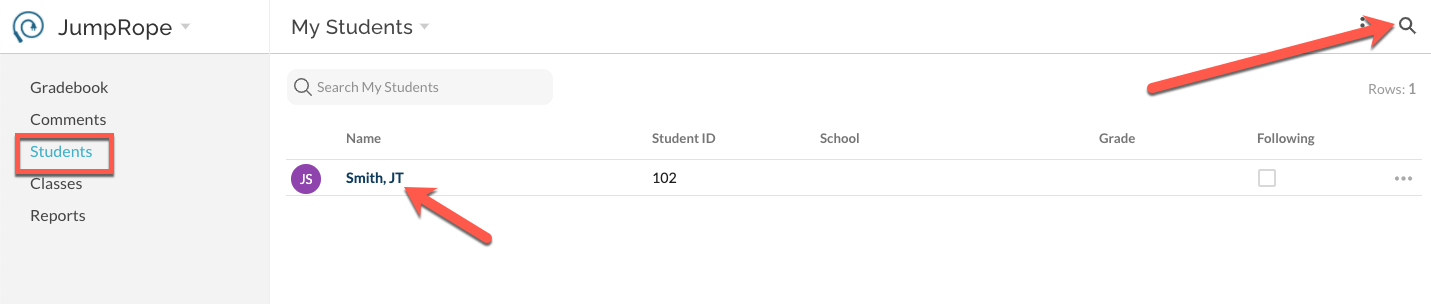
Select the student's name from the list and navigate to Mastery. Once in Mastery, select Print from the upper right corner.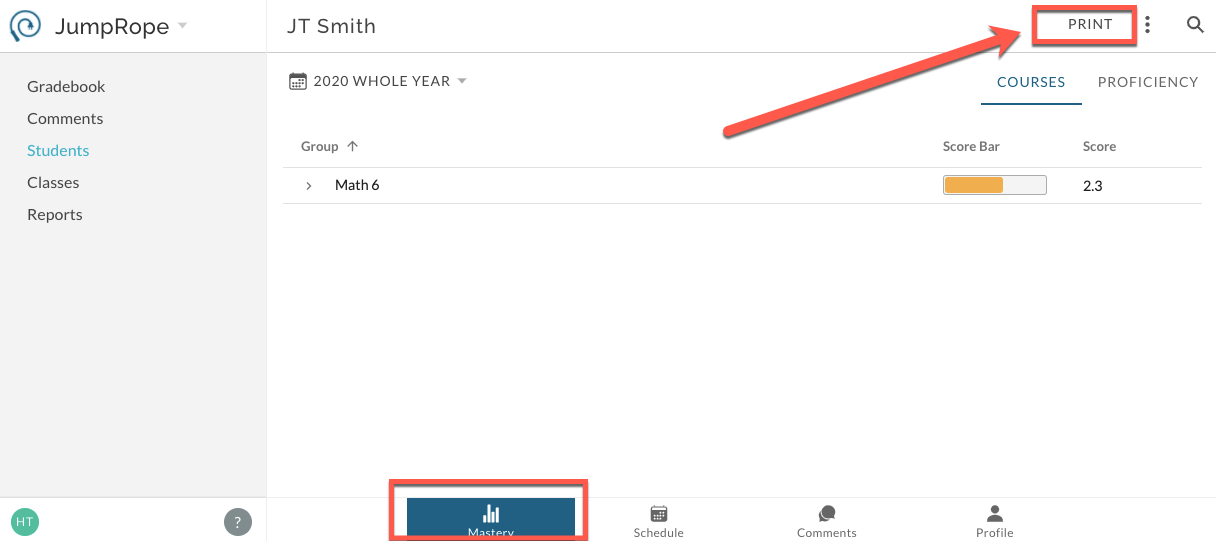
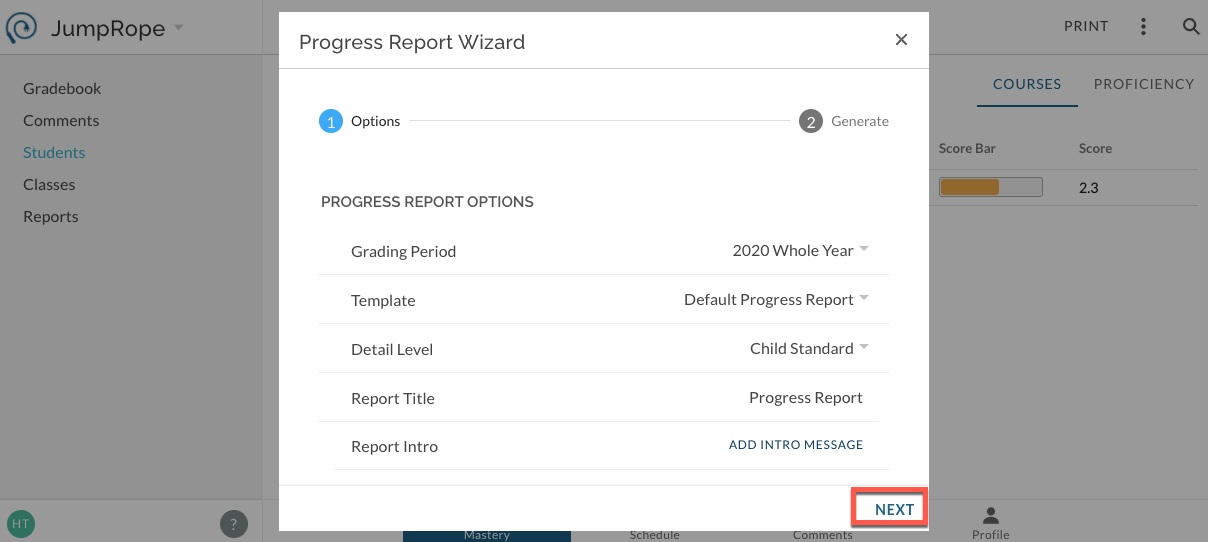
Make selections in the Print Wizard and generate report.