

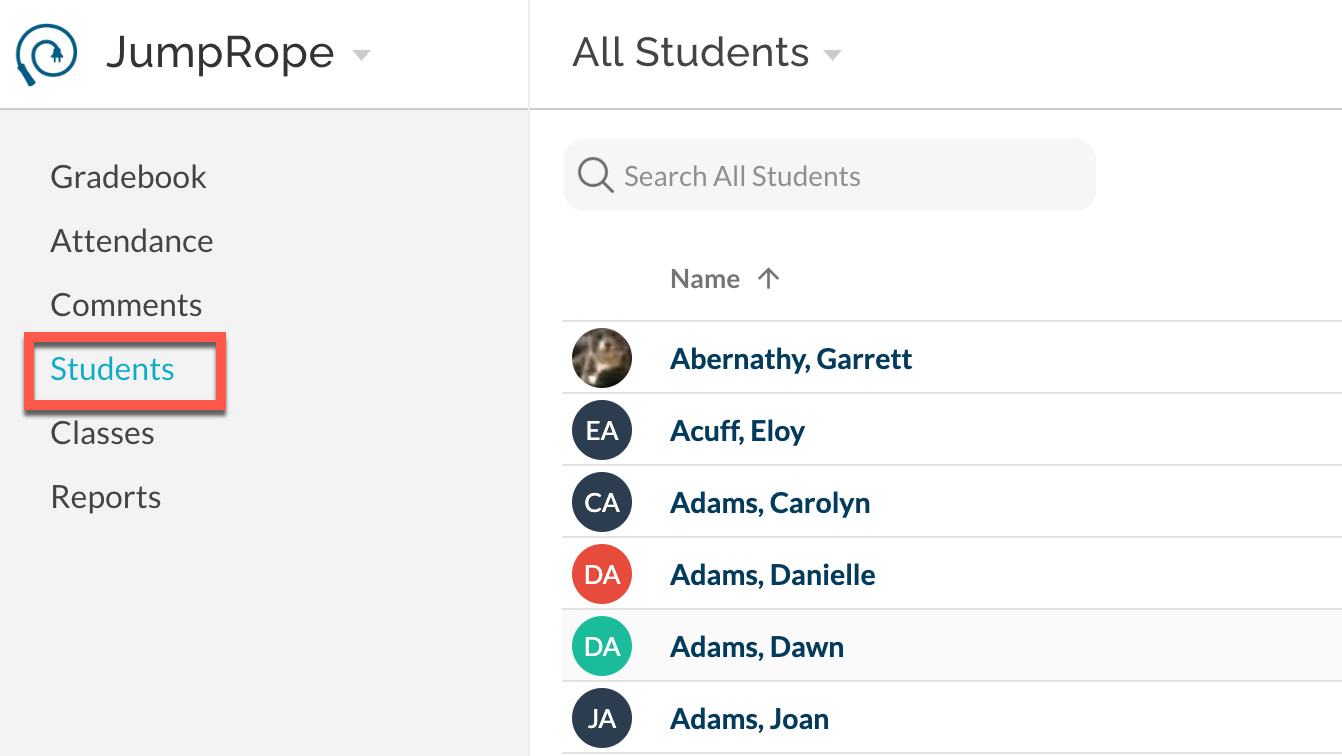
The Student menu item shows a variety of data for an individual student. Click on a student name to access their details as described below. To change students, return to the student list to search and select for the desired student. Once on the individual student page, use the tabs located across the bottom of the page to navigate between each data type.
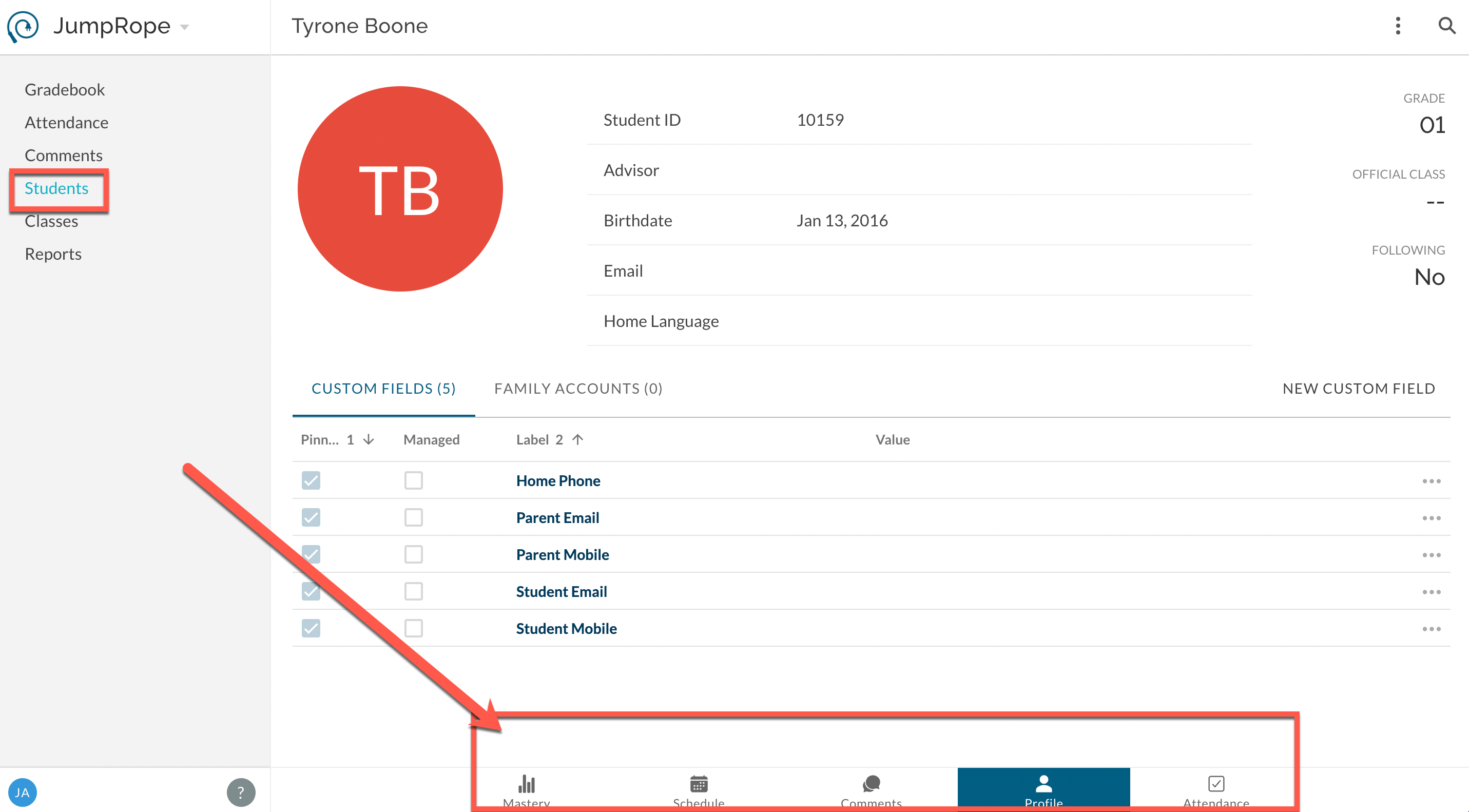
- Mastery provides access to various student mastery reports.
- Schedule displays a list of sections the student is enrolled in for a given term. If Attendance add-on is enabled, the schedule will be presented as a period by period grid.
- Profile shows basic student data (e.g. name & ID) along with custom fields and contact information.
- Attendance If enabled for your school, shows attendance data per term, date, and period, plus provides the ability to create, edit, and delete individual attendance records.