

This information is for School Edition schools who used the "My School's Standards" feature.
Teachers - With this update, these standards will function in the Gradebook just as they always have. Teachers can edit, share, and copy in the same way that they have in the past.
Admin - The set of My School's Standards available to teachers can now be edited and added to directly from an Admin permissioned account! No more need to request an import from Support. See: How to Create, Edit, and Manage Child Standards
The My School's Standards resource has moved to Standard Bank. Teachers access this in the same way as before - **Plan - > Create -> Standard from Bank. **Now, instead of clicking on My School's Standards, they are dropped in to Standard Bank :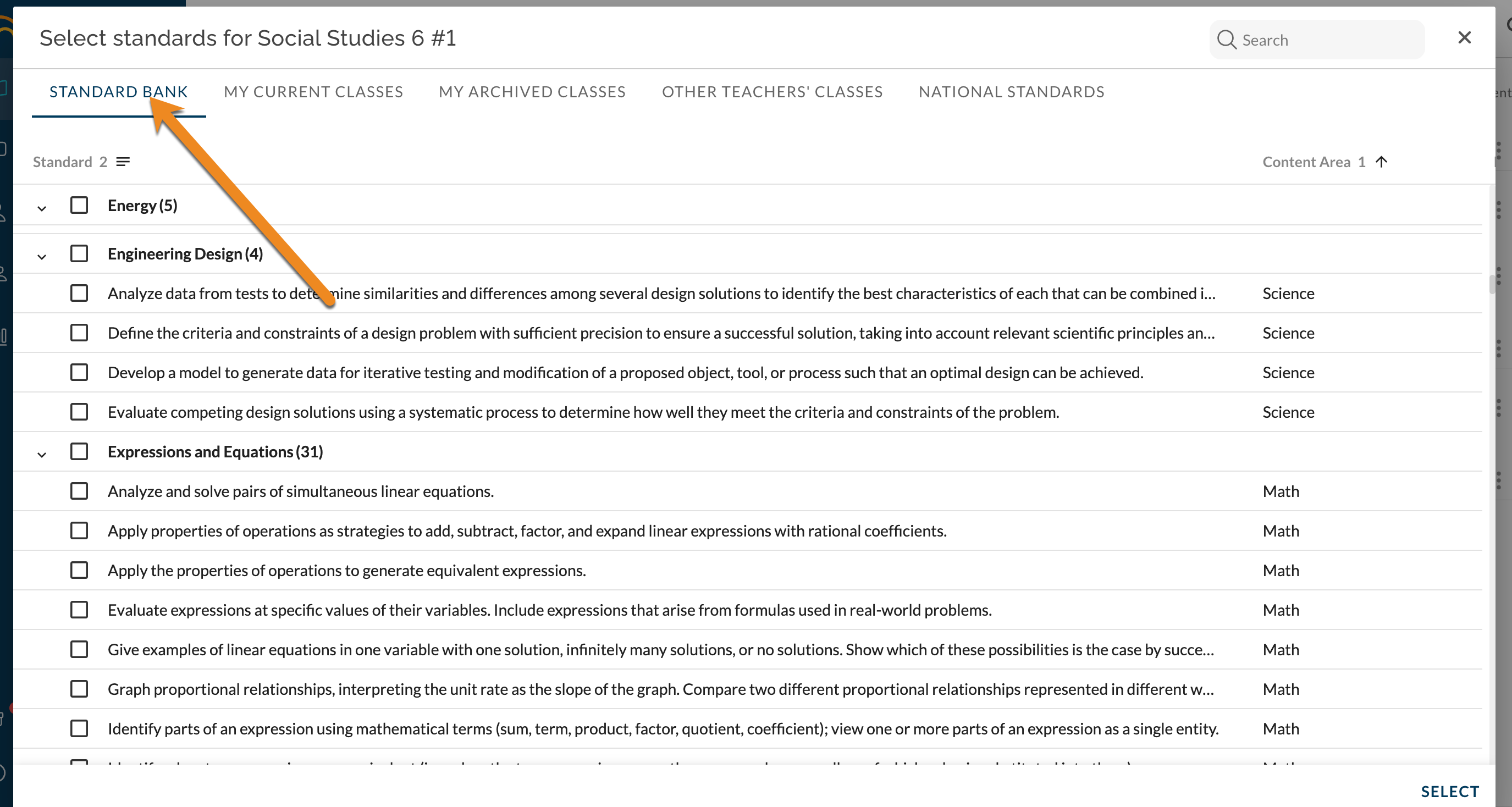
Content Area is an additional column that can be filtered. Hover over Content Area column header and click on the ≡. Filter for the desired Content Area(s):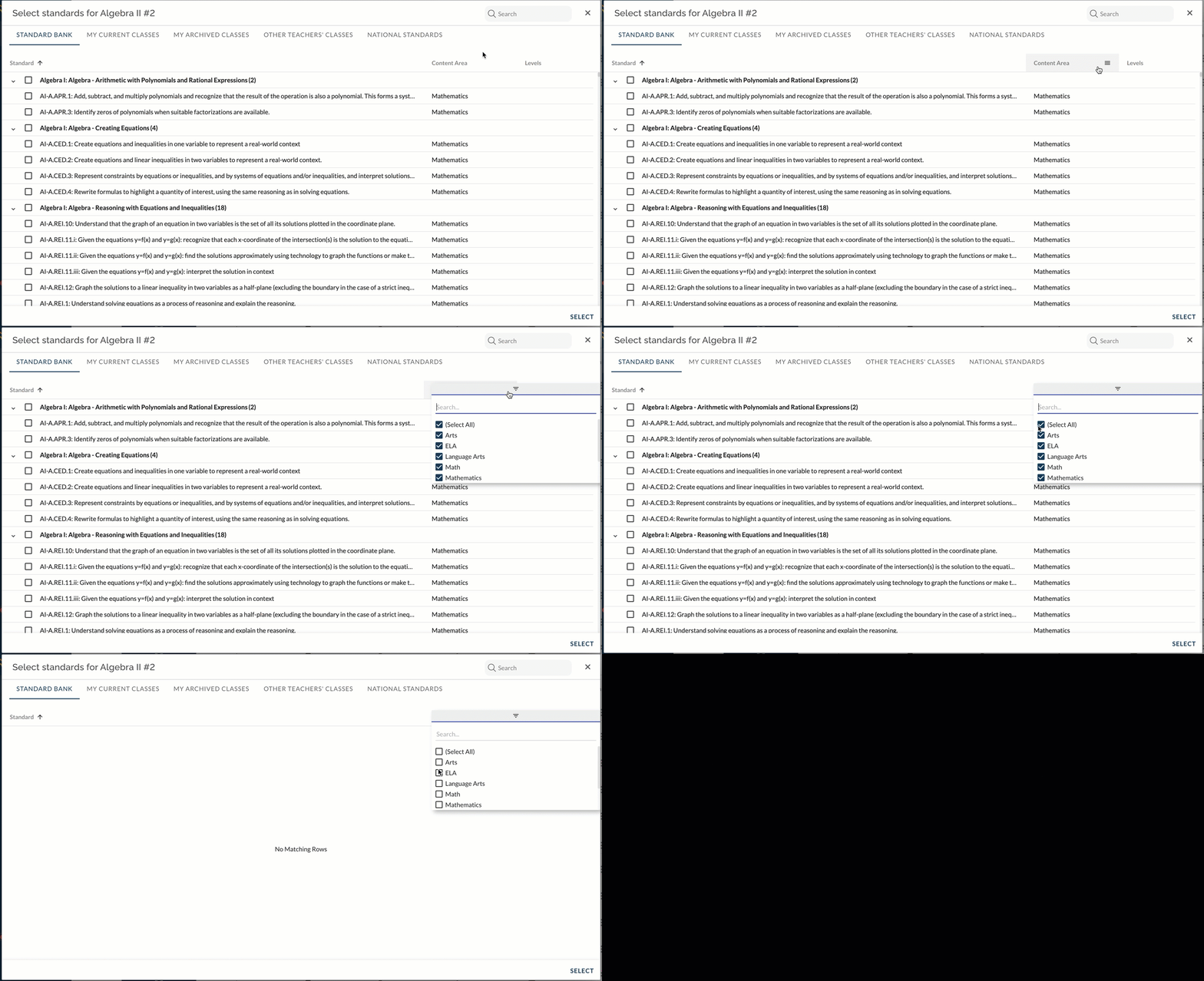
Standards continue to be organized by being nested into their associated Strand: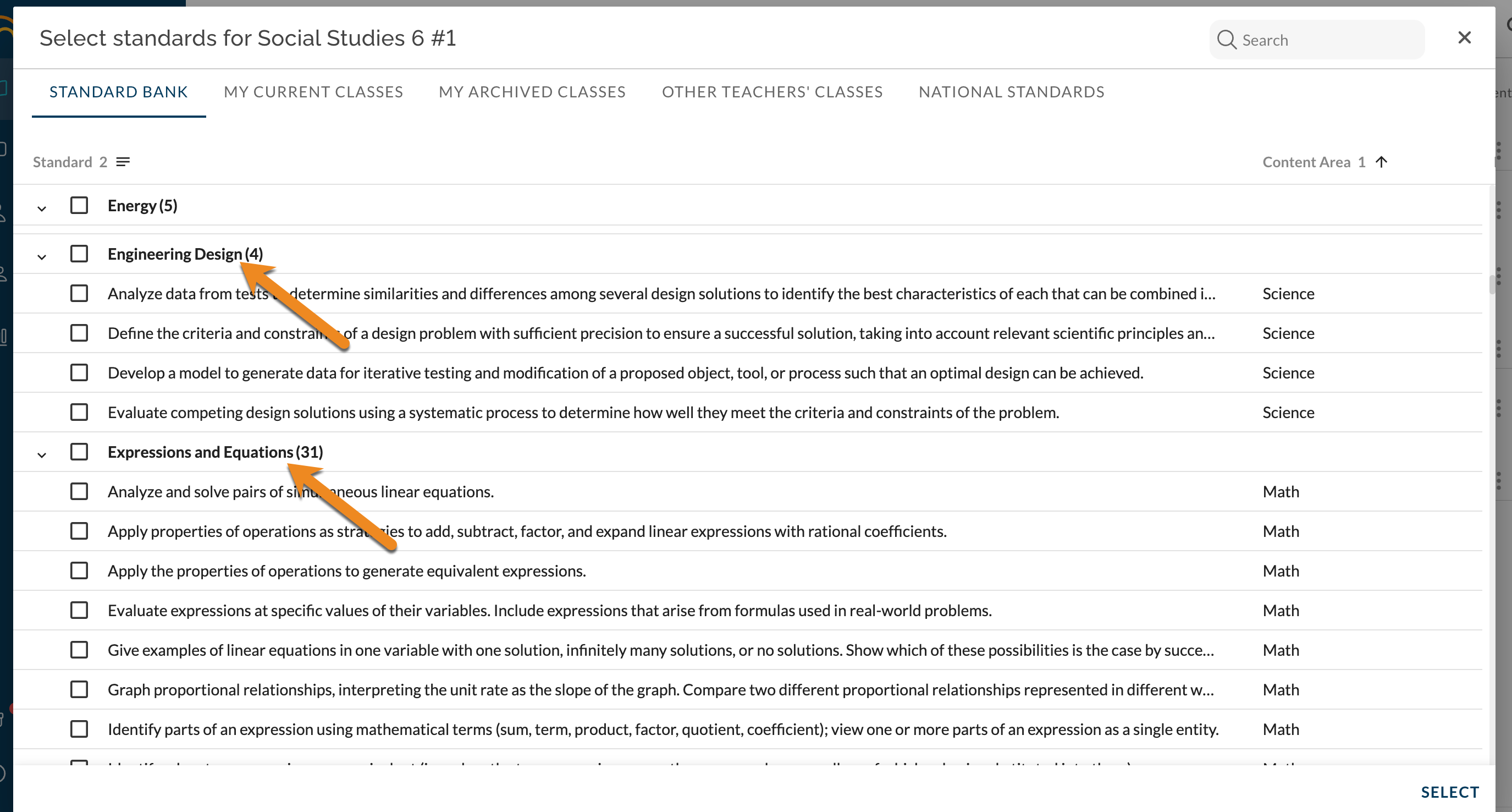
See also: How to Create, Edit, and Manage Child Standards