

Excellent for re-using last years' Plan content from "My Archived Classes" and for using first semesters' class as a blueprint for a new second semester.
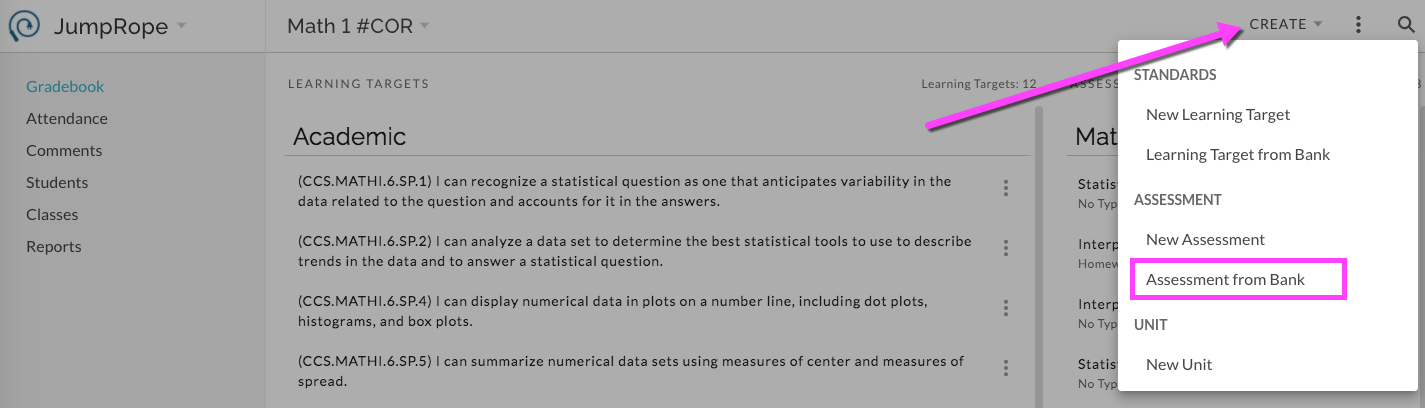
In Plan for the receiving Class , select Create. Select Assessment from Bank.
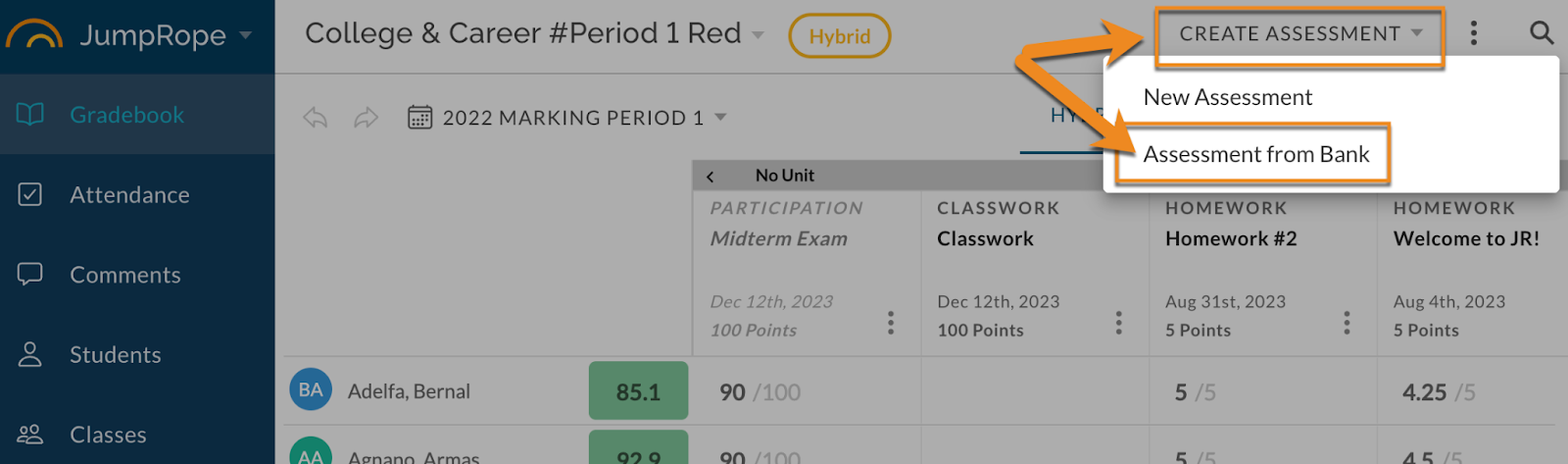
Or, in Grade sheet, click on Create Assessment and select Assessment from Bank.
This opens an assessment bank with access to several different resources; My Current Classes , My Archived Classes(past years), and Other Teachers' Classes(if enabled by school and option to View and Copy is selected by creating teacher).
Select the desired set of assessments from the chosen resource by checking boxes. The column headers can filter the set of data by Unit.
Apply them to your class with Select. This will give you a new copy of the selected assessments along with any aligned standards that are still valid. 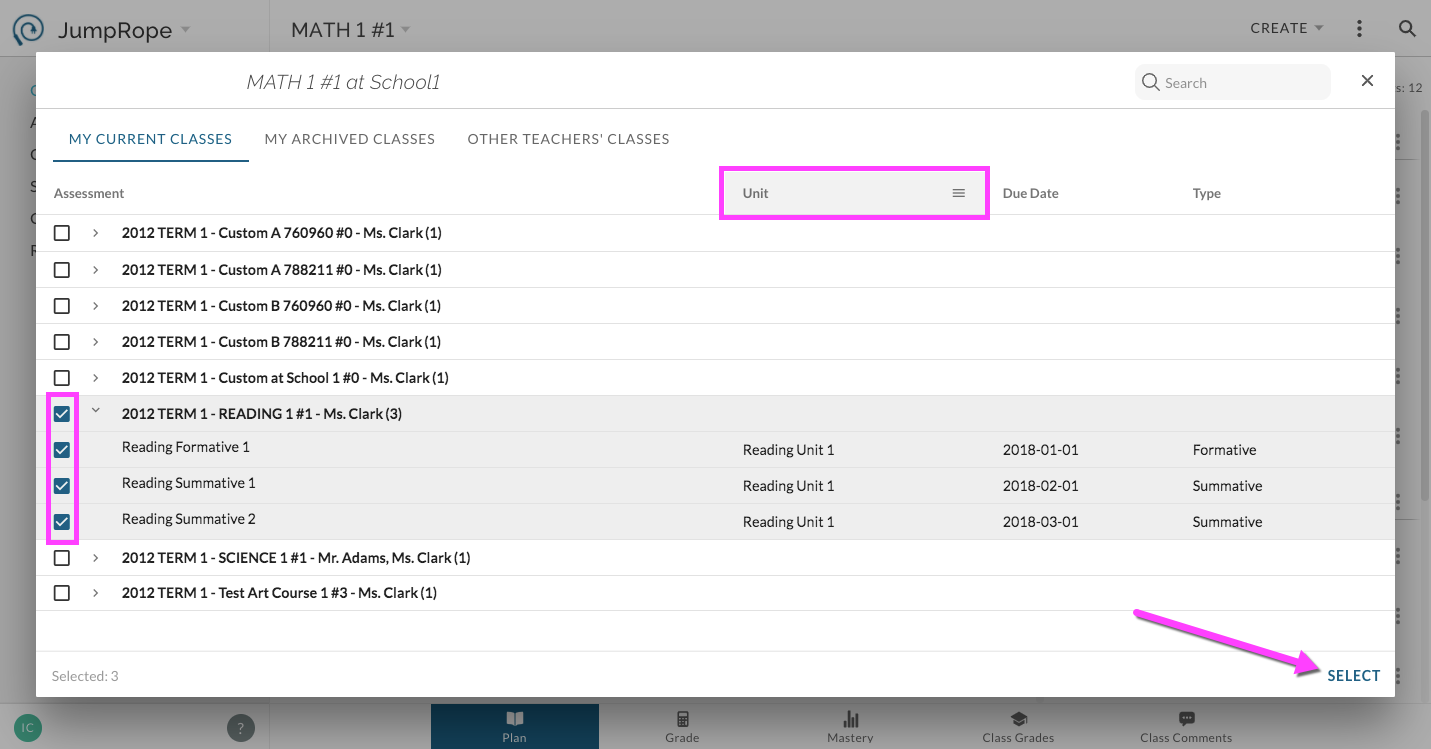
Repeat as needed.
For more see Reference - How do I copy a unit, assessment and/or standard to re-use?