

- Search for the student by name or select the Students menu
- Select the student's name from the list
- Navigate to Mastery tab
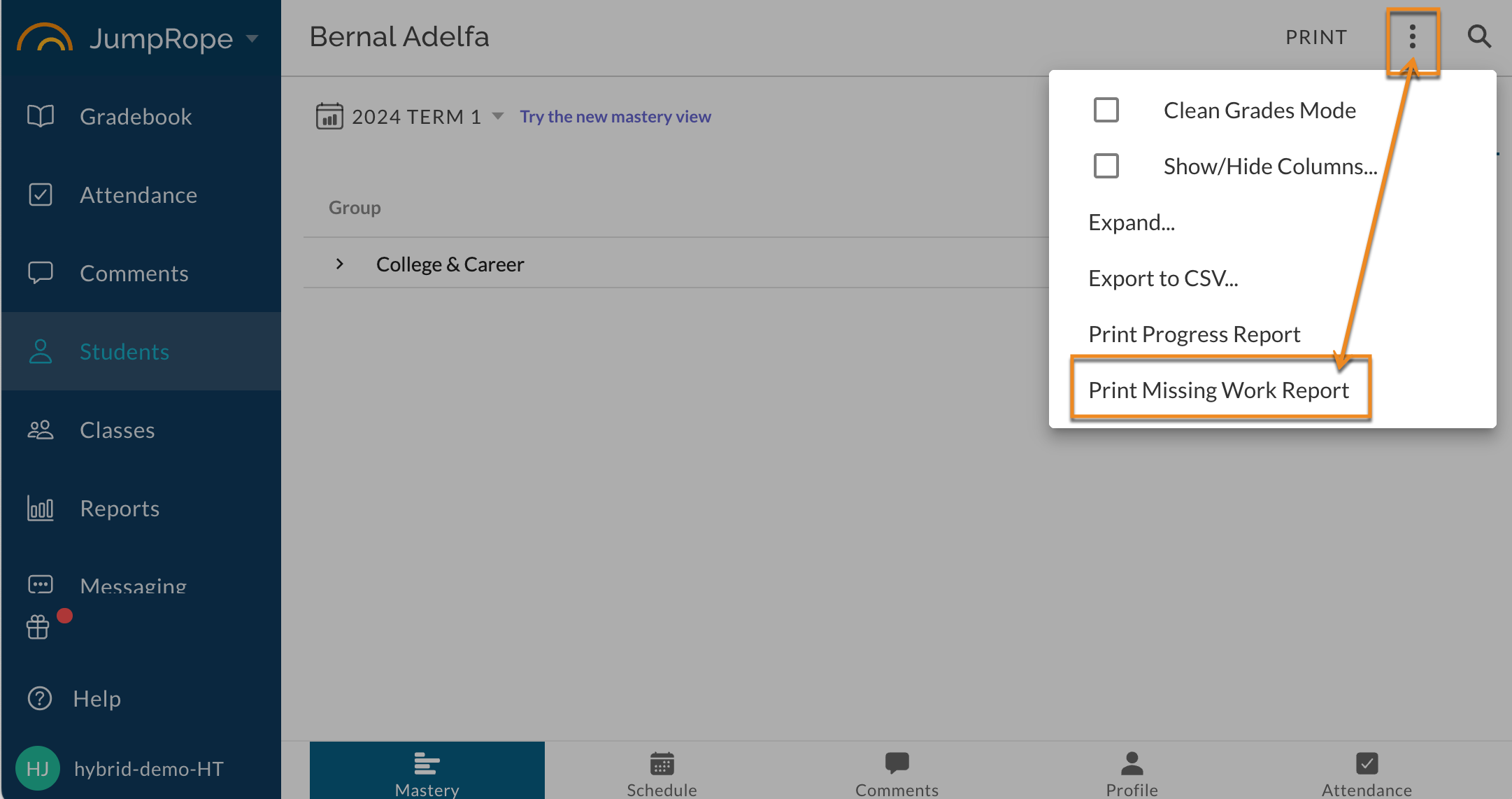
- Click the ⋮ (three dots/kabob menu) in the upper right corner
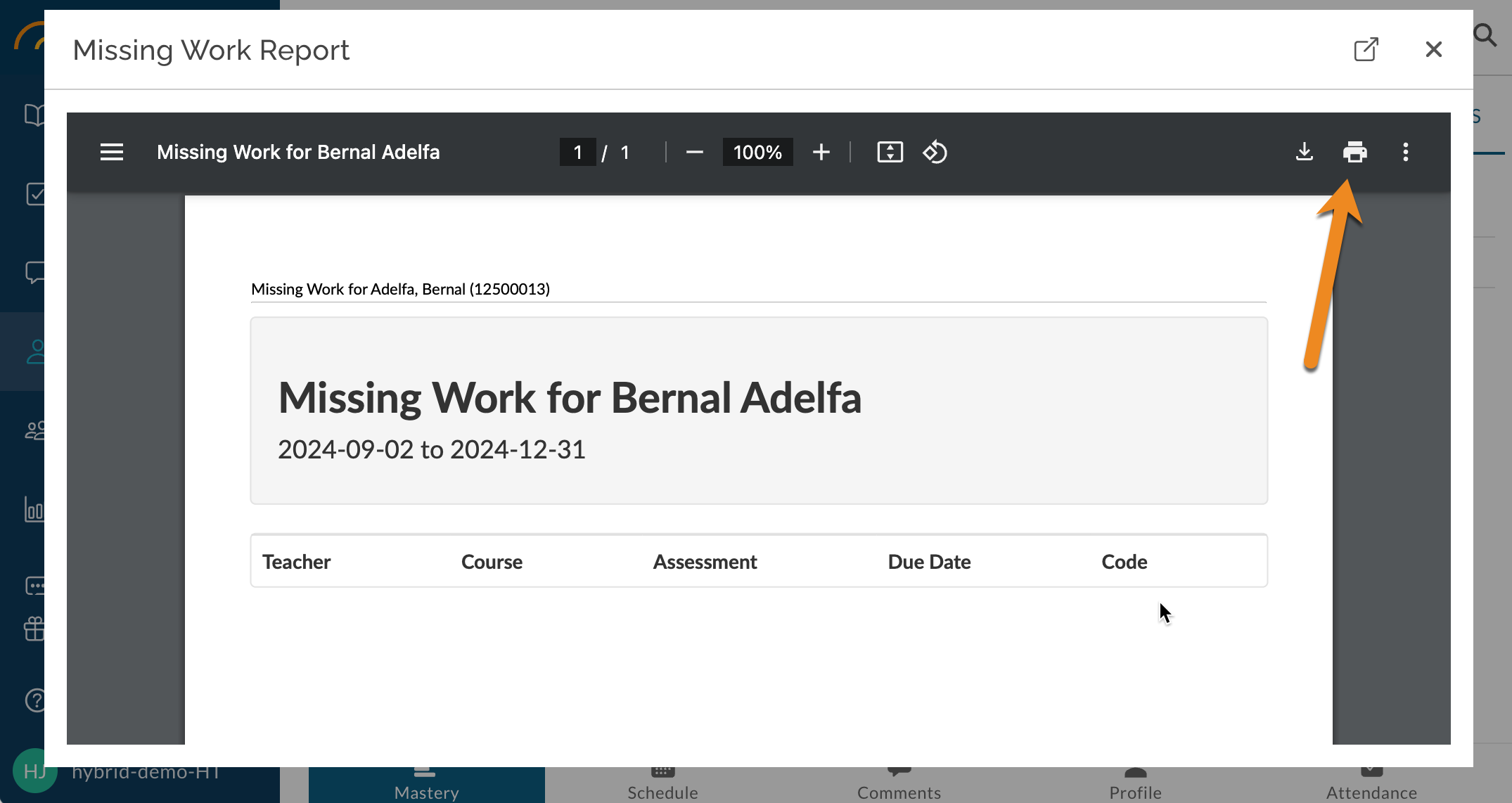
- Select Print Missing Work Report from the menu options
Modified on: Wed, Oct 28, 2026 at 11:05 AM
Did you find it helpful? Yes No
Send feedback