

JumpRope is a mobile-friendly website meaning that the website recognizes when you are accessing via a mobile device (smart phone, tablet, etc.) and adjusts viewing, functionality, etc. accordingly.
To access JumpRope on your mobile device, simply use the browser on your device to login, no explicit app is needed.
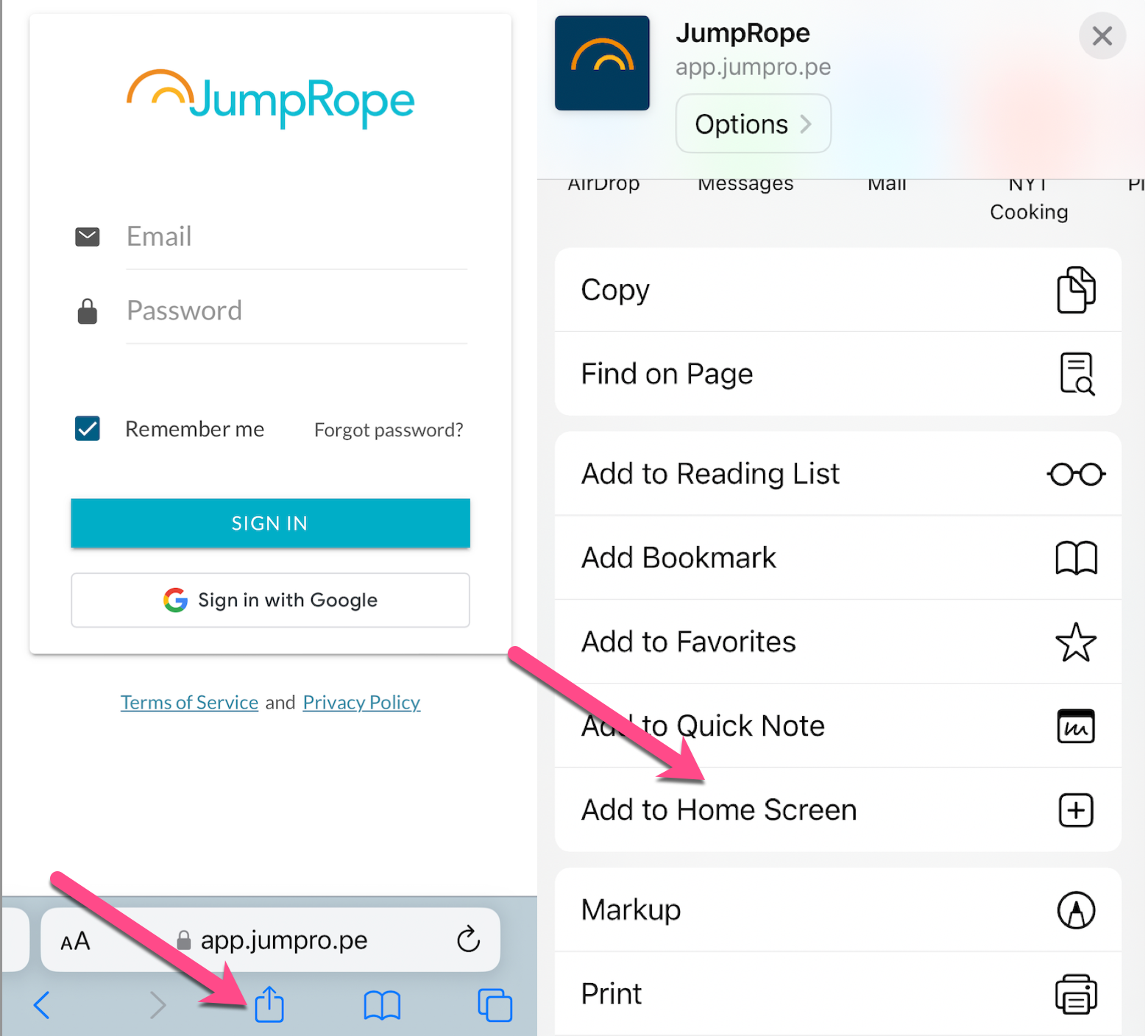
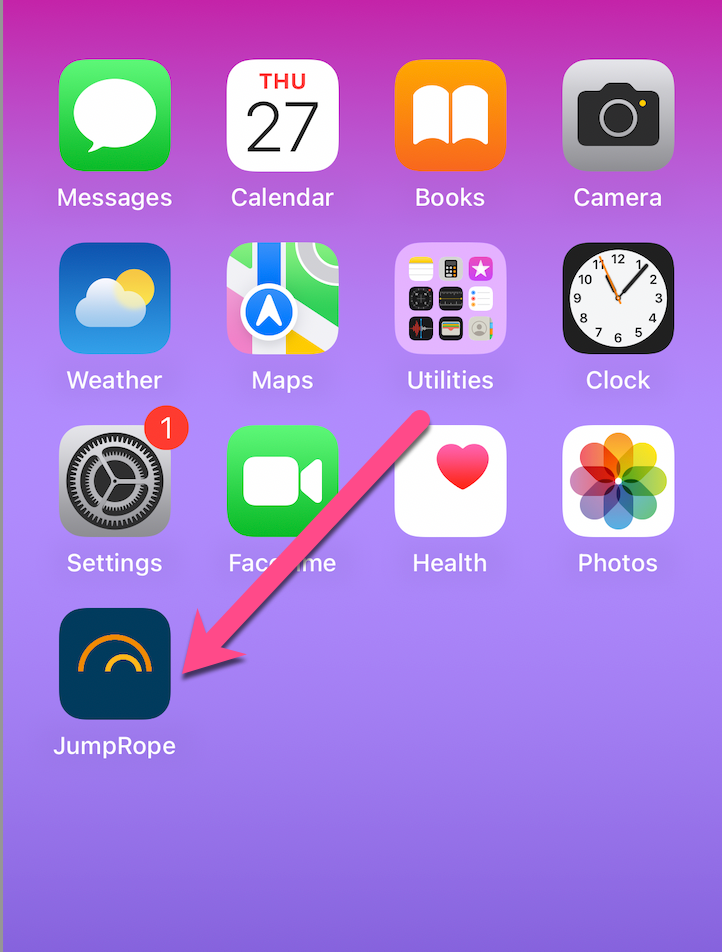
If you'd like to add a shortcut button to the home screen on your device (similar to an app button) use the Add to Home Screen features of your device.
- Go to the JumpRope website at www.jumpro.pe.
- Select the Log In button on the website.
- Once on the login page, select to Add to Home Screen. See below for both iOS and Android details.
iOS (iPhone, iPad):
Android:
- From the JumpRope login page in Chrome, select the extras menu (three vertical dots in upper right corner) and choose Add to homescreen.
- Edit the name for the shortcut if desired and select OK.