

Depending on your school's settings, Family Accounts may be either Managed or Manual. Manual family accounts are created and managed within JumpRope's interface by users with Admin access. Managed family accounts are created, updated, and deactivated based on data from the SIS and/or schedule sync process. Therefore, managed****family accounts cannot be directly edited within the JumpRope interface. Rather, changes to managed accounts must be made in the SIS (for NYC schools these changes are made in ATS) and propagated to JumpRope through an upload/import process.
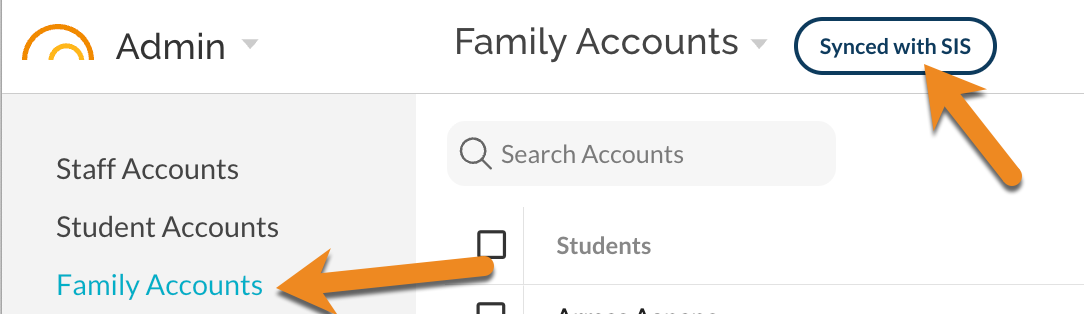
Managed Family Accounts can be easily identified by the * next to their status and/or by the Synced with SIS indicator shown below:
JumpRope strictly prohibits edits to managed accounts within the system in order to protect the single source of truth principle. This enforces a one-way data flow and ensures that there is not drift in available contact information across systems that reduces accuracy. It also allows existing managed accounts to be matched reliably to incoming account information, and allows the system to de-provision existing accounts when they are removed from the SIS.
To aid in the ongoing process of maintaining contact information from various sources, JumpRope has a Contact Notes field that allows any staff member (such as a teacher, parent coordinator, or counselor) to add free-form notes to a Family Account. A user with access to make appropriate changes within the SIS or contact information system can then use information from the notes field to make appropriate changes in the SIS and sync them to JumpRope. They can then clear the notes field on the family account in JumpRope to complete the process.