

The Gradebook Final Mark Analysis report is a bar graph of final marks for students in a single gradebook or across multiple gradebooks. It counts each student's current final mark in the gradebook. Only marks in the gradebook's final mark scale are graphed, and marks that no student has are left off.
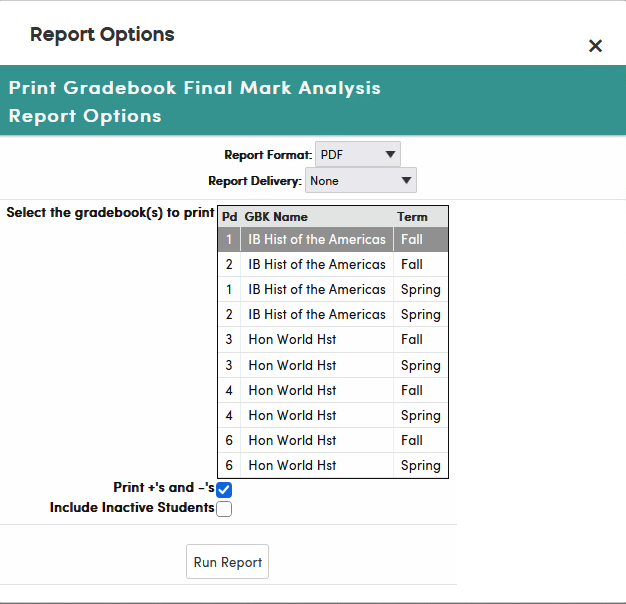
To print it, click Reports on the gradebook menu bar, then click Gradebook Final Mark Analysis. Under Select the gradebook(s) to print, click each gradebook to include; the gradebook you are working in is already selected. Then choose the options and click Run Report.
- Print +'s and -'s (checked by default) – graphs each mark separately, for example B+, B and B–. When it is unchecked, the + or – is dropped and those students are counted under the plain letter, so B+, B and B– are all counted as B.
- Include Inactive Students – also counts students who are inactive in the gradebook. By default only active students are counted.
The following is an example of the Gradebook Final Mark Analysis report.
