

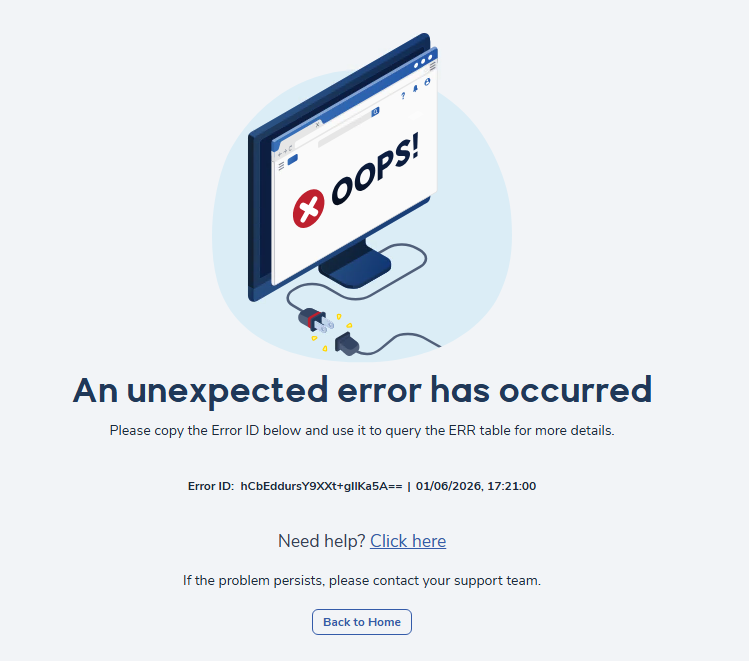
We’ve officially retired the Yellow Screen of Death (YSOD). Users will see a friendly error page with a unique Error ID. All errors are logged in the ERR table for easy tracking. Common triggers for this new error page include server issues like “Server Error,” “DataReader” or “GetDataReader” failures, and “Invalid Column Name” errors—but thanks to the new system, these are handled smoothly and securely.
Instead of the YSOD, users now see:
- A clean, branded error page
- A message like “Oops, something went wrong”
- A unique Error ID for support tracking
- A Need help? section with a link to this support documentation
- A Back to Home button
Behind the Scenes
- Errors are now quietly logged. If you report an issue, just include the Error ID from the screen—it’s like a fingerprint for the problem.
- Errors are stored in the Error (ERR) Table.
- Each error is stored with a hash code of the stack trace.
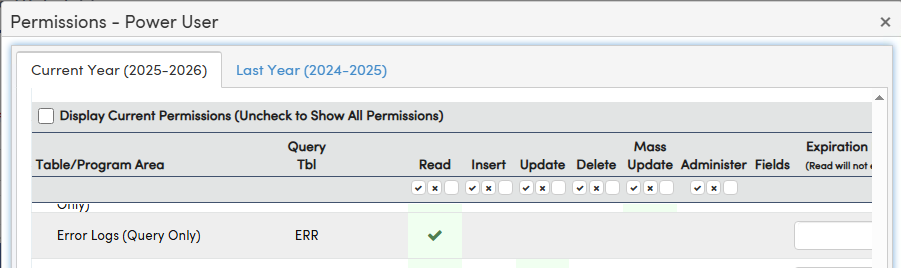
- Read permissions to the ERR table are required in order to Query the table. Contact your Aeries administrator to request the necessary permissions or See Aeries Security - Users
What You Can Do
If you ever see the new error page:
- Don’t panic—it’s normal.
- Click the link next to Need help? to be directed to this support document.
- Copy the Error ID if you are reporting the issue in a support ticket.
- Click Back to Home button to keep working.
- Query the Error ID to attempt to troubleshoot the error
Example: Querying the ERR Table
If you have access to the ERR table, you can look up details about a specific error using a query.
Copy the Error ID from the error page.
Run the Query:
- Replace [Error ID] with the actual Error ID displayed on the error page.
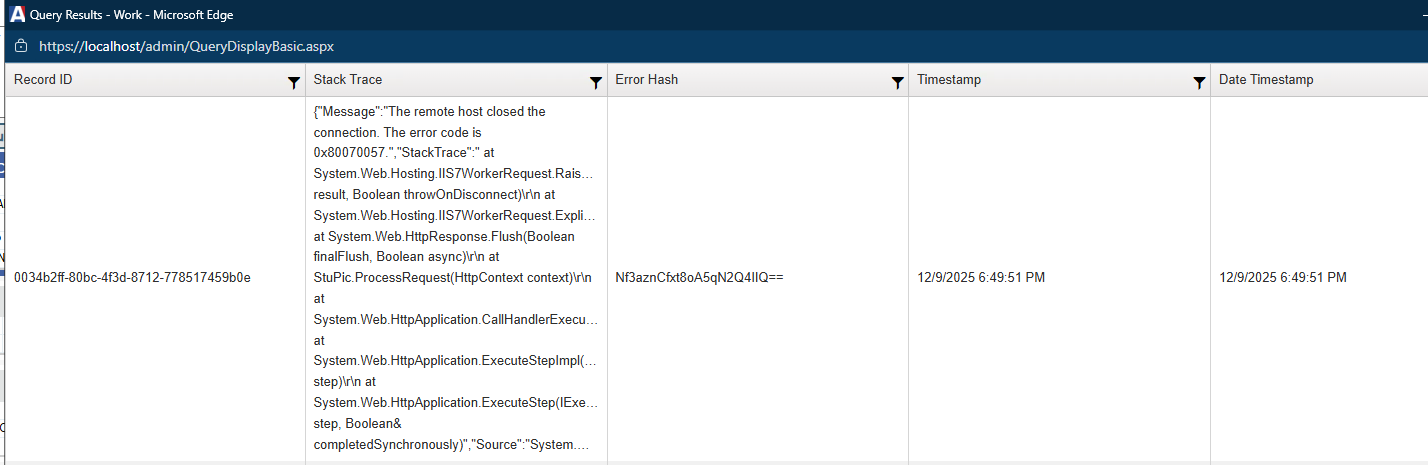
- Look for columns like “Stack Trace,” “Error Hash,” and “Timestamp.”
- The “Stack Trace” column provides technical details about what caused the error.
If you need help:
- Copy the relevant details from the results.
- Include them in your support ticket or email.
Expanded Error Coverage
Aeries also handles the following errors with a modernized experience:
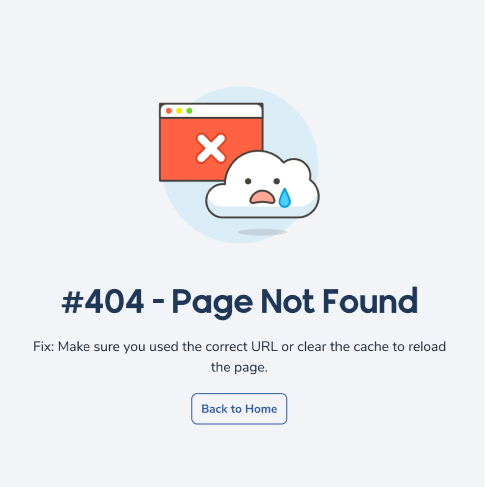
- 404 Not Found
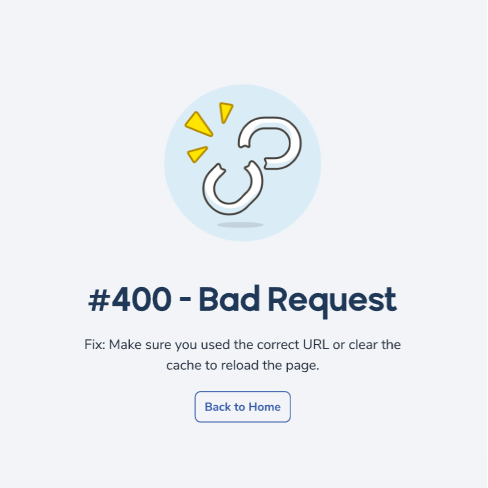
- 400 Bad Request
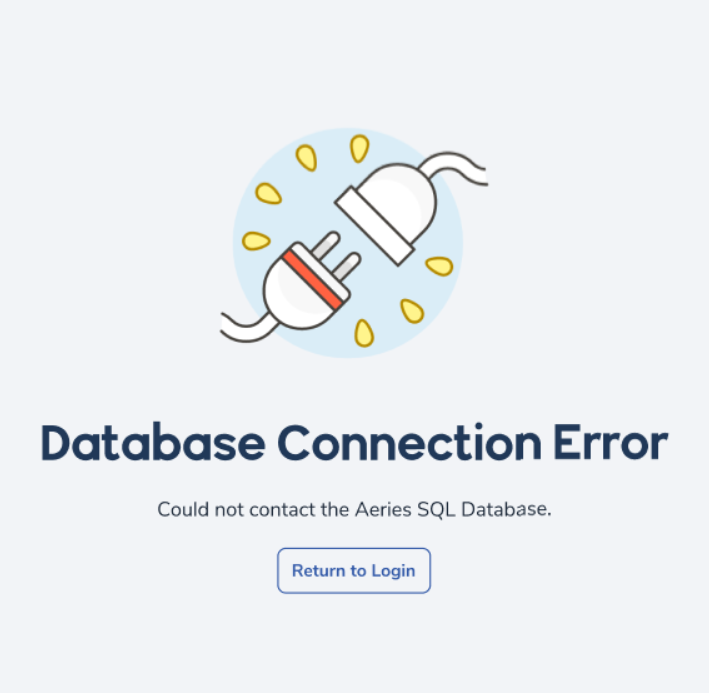
- Database connection failures
AdminCS Update Reminder for OnPrem Customers
To avoid fatal errors like Server Error, DataReader, or Invalid Column Name, it’s critical to:
- Always apply the latest AdminCS update before updating Aeries Web. This ensures your database schema is aligned with the latest error-handling features.