

Each setting is a toggle that can be turned on or off. Changes are saved automatically when you toggle a setting.
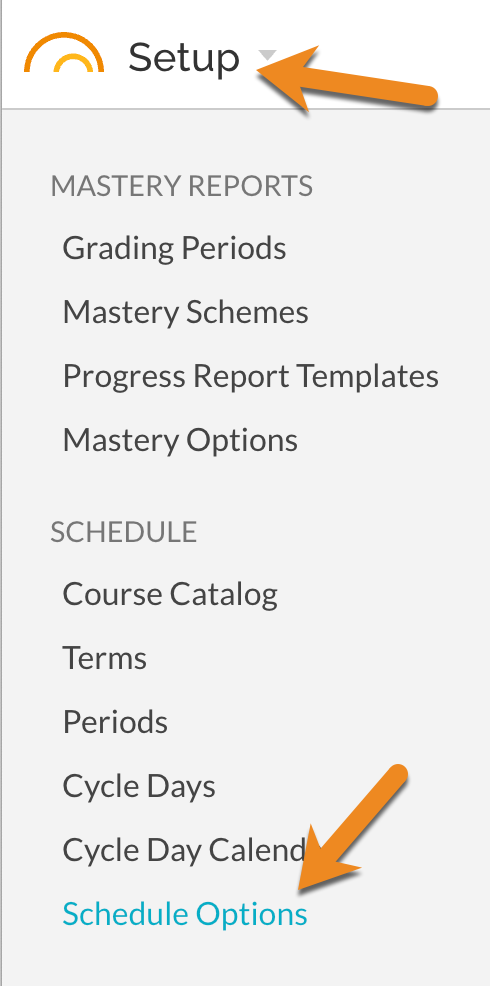
Enable Custom Courses
Available to all schools. When enabled, teachers can create custom courses that are not part of the imported schedule. This is useful when teachers need to track standards for activities like advisory periods, study halls, or other non-scheduled instructional time. See also: How to - Create and Edit Custom Classes/Courses
Allow Teachers to Add Co-teachers to Managed Sections
Available to all schools. When enabled, teachers can add co-teachers to sections that are managed by the schedule import. This allows multiple teachers to collaborate on grading and reporting within a single section, even when the section is maintained by an external schedule source. See also: How To - Add Co-teachers to a Class Manually
The following options are available only for NYC schools using STARS programming
Enable Super Classes
When enabled, this activates the Super Classes feature, which allows teacher to create grouped Gradbooks given that their class sections are programmed for the same meeting times. See also: Reference - Plan and Grade with Super Classes
Import Student Emails with Schedule
When enabled, student email addresses will be imported along with the schedule data from STARS. Turn this on if you want JumpRope to automatically keep student email addresses as Portal Usernames in sync with your STARS data.
Import Student Home Language with Schedule
When enabled, student Home Language information from the STARS Students report will be imported along with the schedule data. This language is used for translation of Progress Reports and email templates.