Send an email notification to student contacts to notify of an update to a given assessment score. This feature notifies students (i.e. email recipients) that you've updated a score for an assessment and encourages them to review scores on the Family Portal. This feature does not include scores in the email message; up-to-date scores should always be accessed via the Family Portal.
In Gradebook -> Grade, select the more menu item for a given assessment. From the menu, select Send Notification.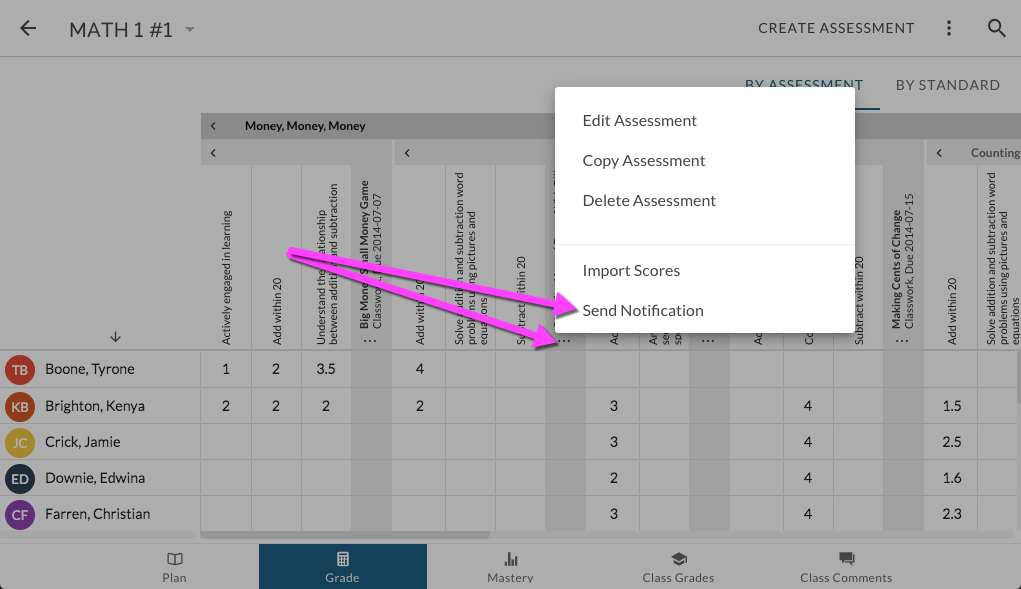
The Assessment Notification Email Wizard will display. This feature will give you the opportunity to customize the message and recipients.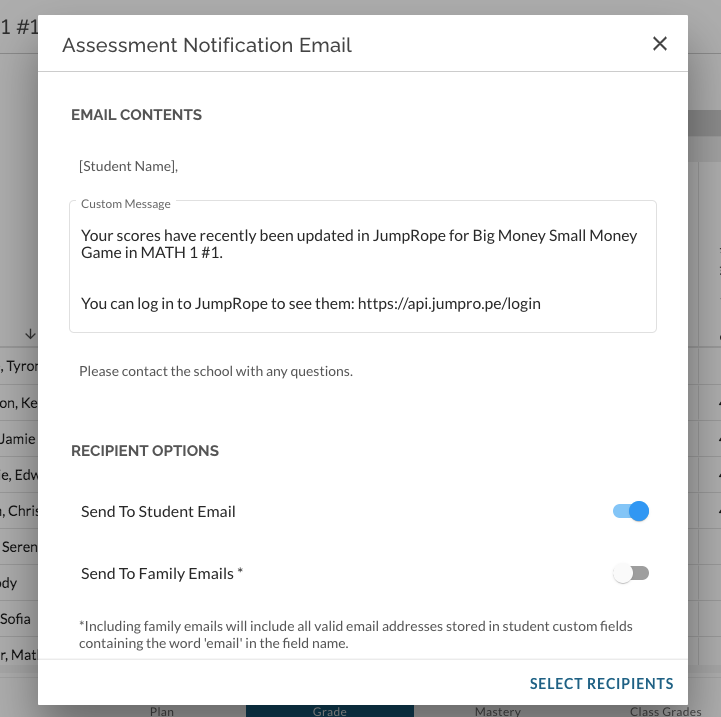
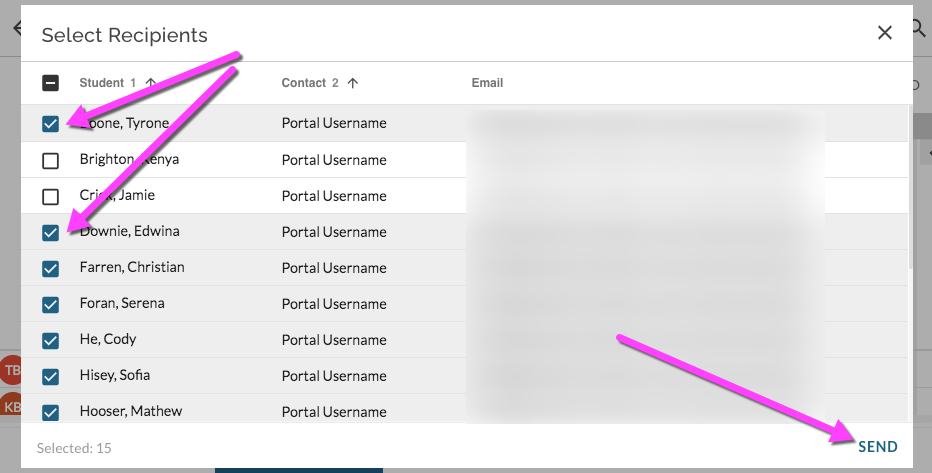
Select Recipients and Send email notifications.