

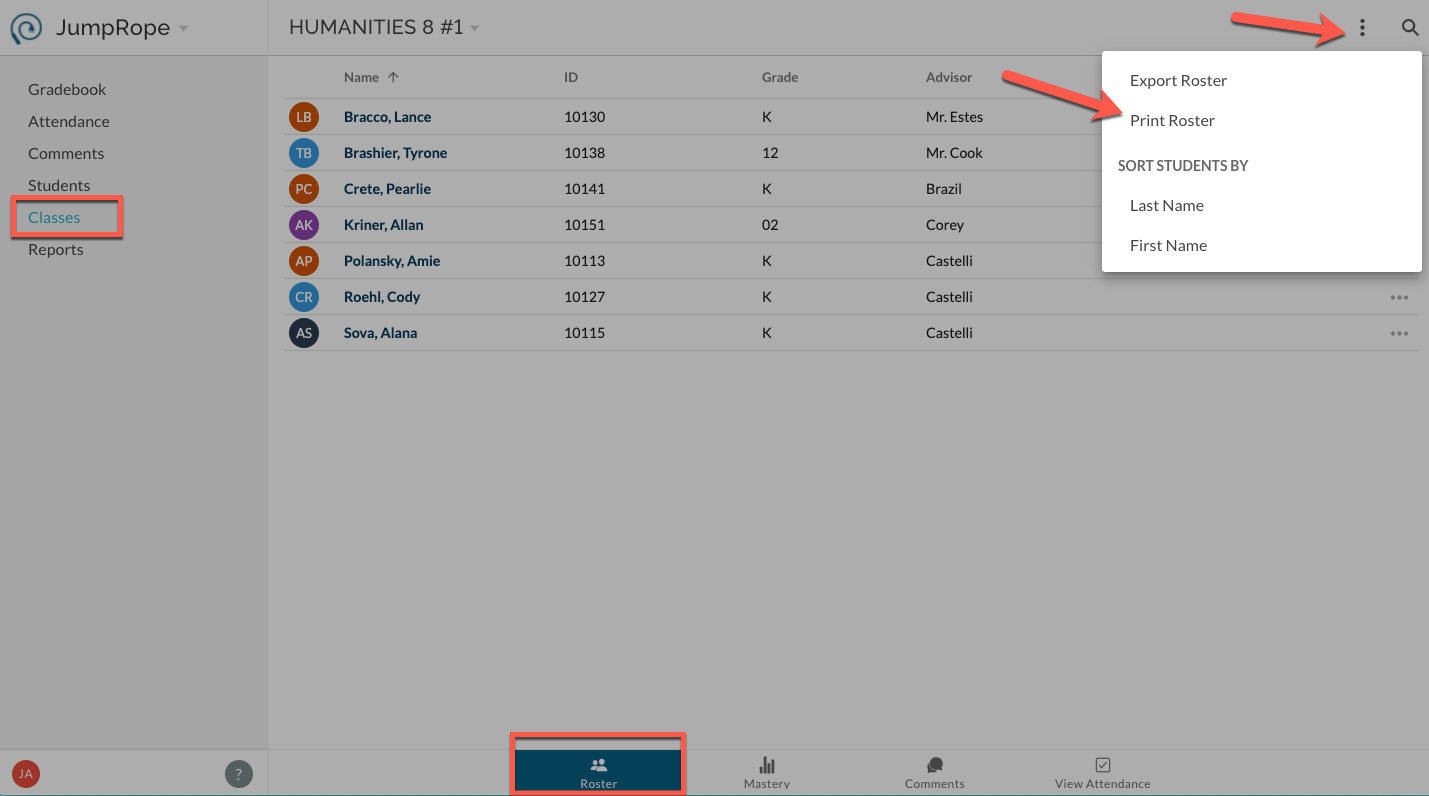
In Classes -> Roster select Print Roster from the upper right, more items menu. 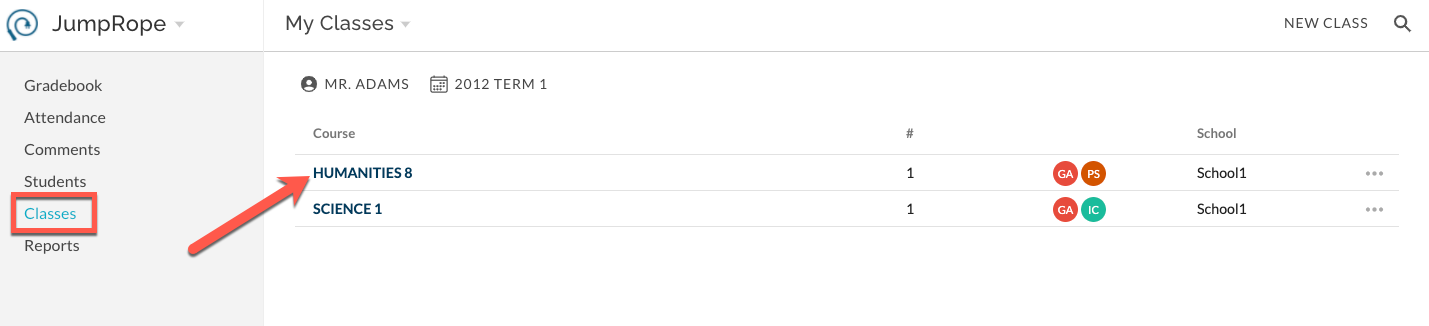
This will create a preview of a printable PDF file. It includes a row for each student and several empty columns.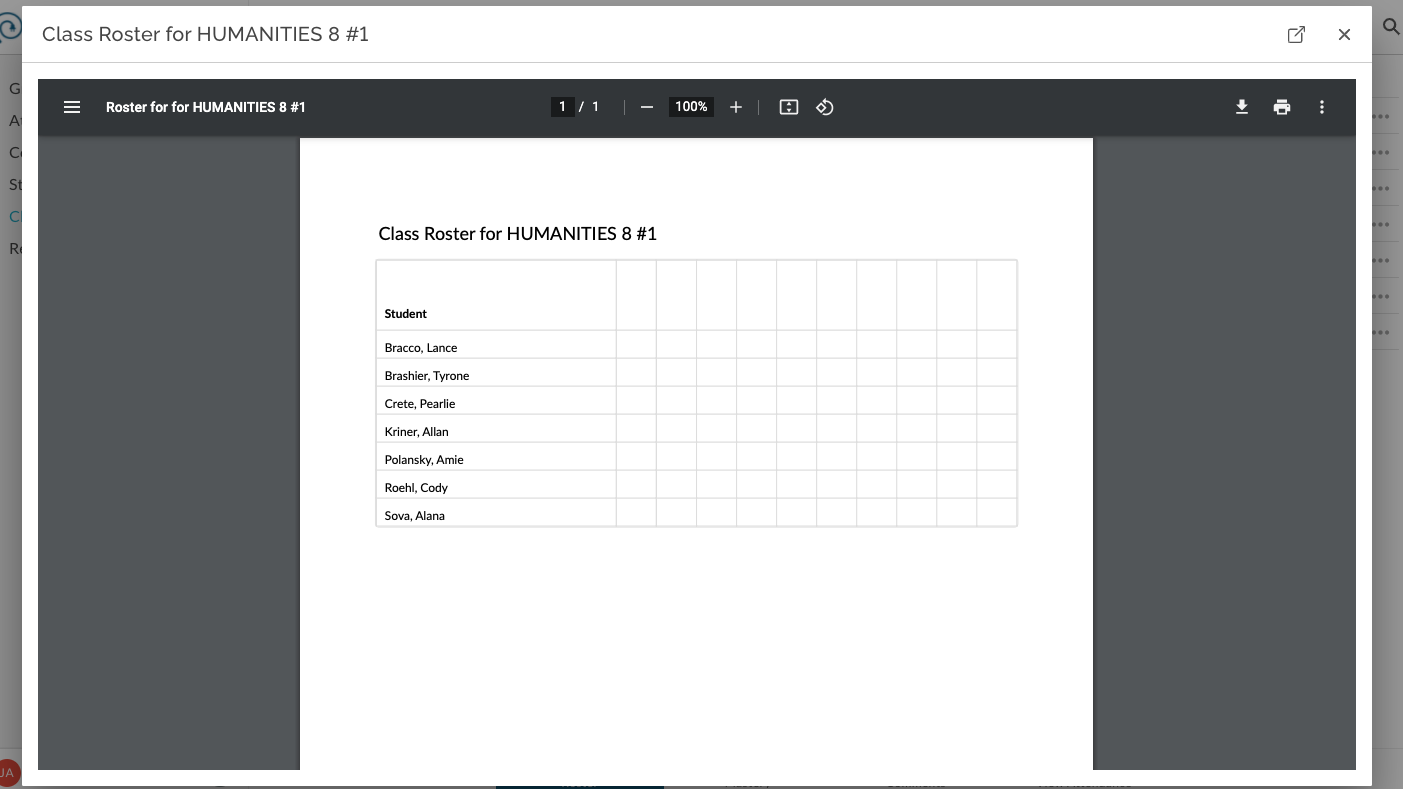
Modified on: Wed, Oct 28, 2026 at 11:05 AM
In Classes -> Roster select Print Roster from the upper right, more items menu.
This will create a preview of a printable PDF file. It includes a row for each student and several empty columns.
Did you find it helpful? Yes No
Send feedback