

Many schools use a formal integration with their student information system (SIS) (i.e. Aeries, PowerSchool, Infinite Campus, etc) to keep classes and rosters up to date in JumpRope. Custom Classes/Courses in JumpRope are rosters and classes that a teacher can manage within their own gradebook. These can be used in conjunction with or in place of an integration with a formal SIS integration. The feature must be enabled for your school.
- To create a class , navigate to Gradebook and click New Class in the top right.
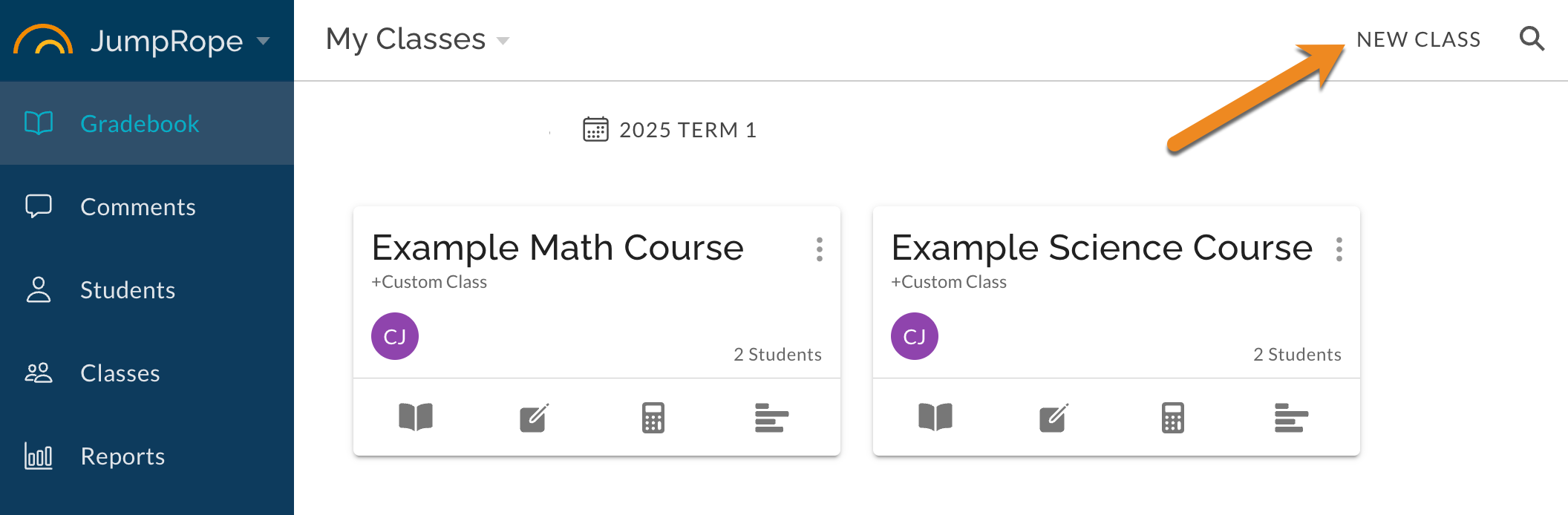
- Fill out the form that opens:
- Term* : if more than one active term or school is available, select the term for the class.
- Name* : give your class a name, less than 30 characters.
- Credited As : optionally, type the exact name of an existing managed class to have the scores in your custom class with the scores in the managed class. Recommended to keep this field empty.
- Teachers : add any co-teachers for the class.
- Add students to the custom class by typing the student name in the top right of the form. Only students enrolled in the selected term and school are available.
- Remove students from the custom class by selecting Remove from the item menu to the right of the student's name.
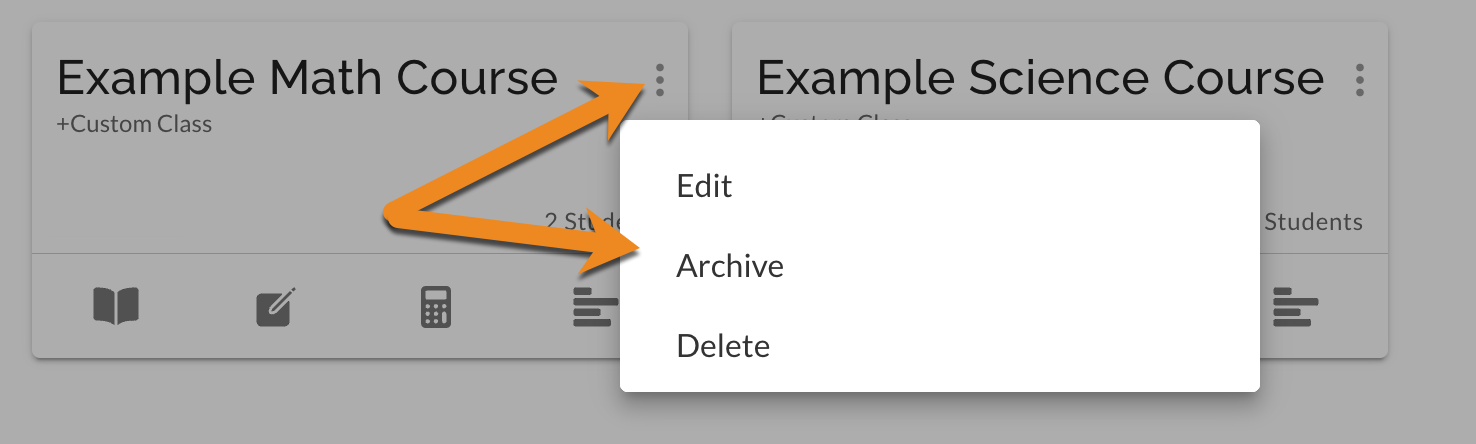
- To edit, archive, or delete a custom class , use the item menu in the Class card view.
***If using attendance features along with Custom Classes, please note that a student enrolled in more than one Custom Class cannot have separate attendance for each class. In other words, a single attendance mark per date per student is available; the most recently entered mark will be the one displayed and will override any previous marks for that date.