

Please reach out to support@jumpro.pe if you have questions about setting up Class Grades for your school.
This view displays options for calculated gradebook scores and suggested conversions to be made visible to teachers. The dropdown menus includes the following options:
"Not Visible" : This field will not be visible to teachers in Class Grades.
"Visible as reference" : Teachers can view the value for this field. It will be displayed as a "read-only" option.
"Visible as suggestion" : Teachers can view the value and will have actionable options; rounding up or rounding down to the nearest valid mark and/or selecting the value as is.
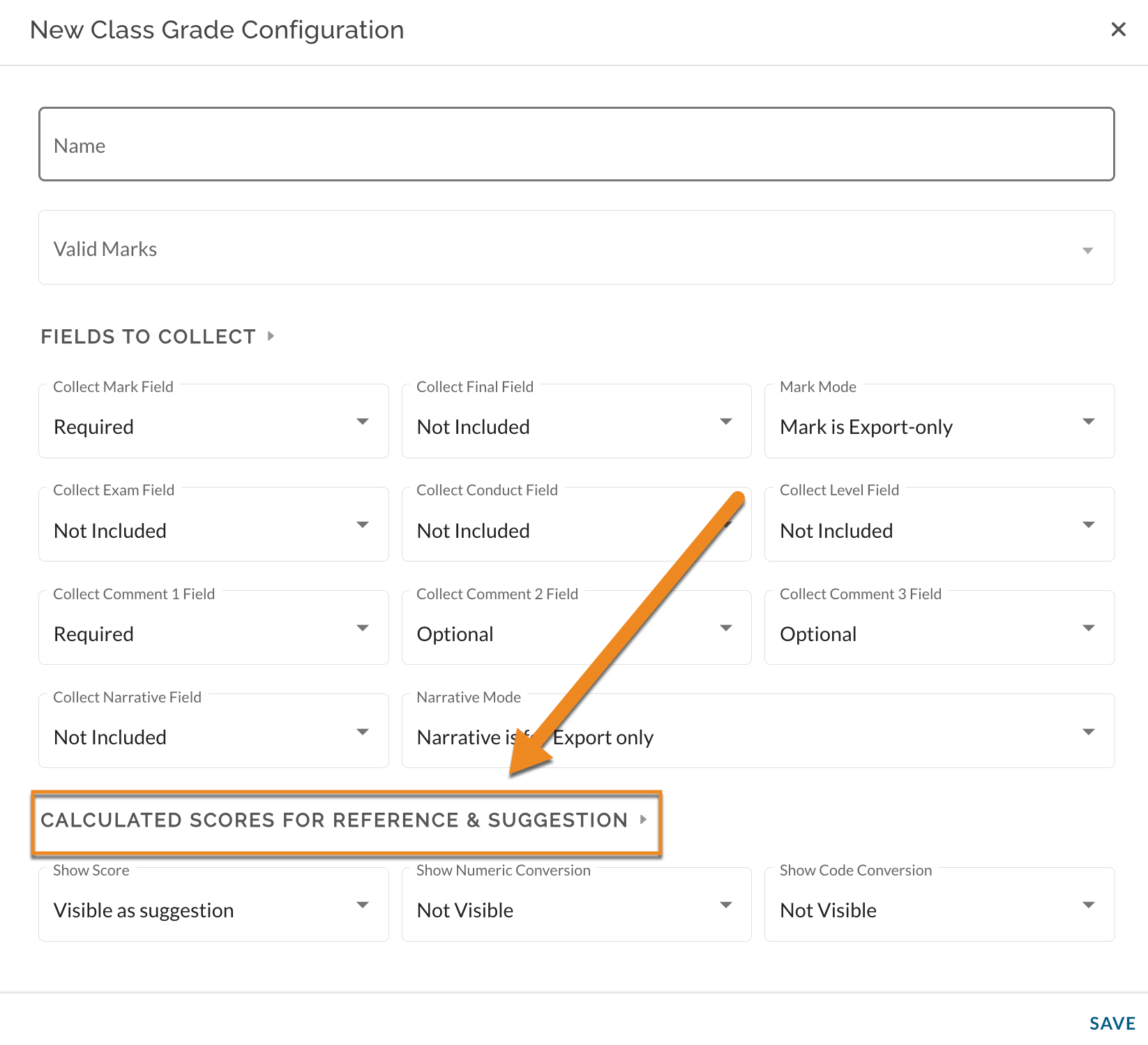
Show Score
The score is the overall grade in the gradebook for this class. If the school is using Standard Based Grading, the score is the mastery grade for this class. If the school is using Hybrid or Traditional grading, this value will be the overall course score.
Show Numeric Conversion
This field will display both the current mastery grade for the student and an extra column with the conversion grade (given that the school has a custom mastery grade conversion enabled in JumpRope).
Show Code Conversion
This field will display both the current mastery grade for the student and an extra column with the code conversion grade (given that the school has a custom mastery grade conversion enabled in JumpRope).