

SuperClasses should generally be created before entering any Plan or Grade data in the underlying classes. They are a JumpRope feature included with the Attendance add-on. A SuperClass is a roster of combined, concurrently scheduled class sections. This roster can be used to take attendance and can also be used for Planning and Grade score entry.
Plan and Grade with SuperClasses
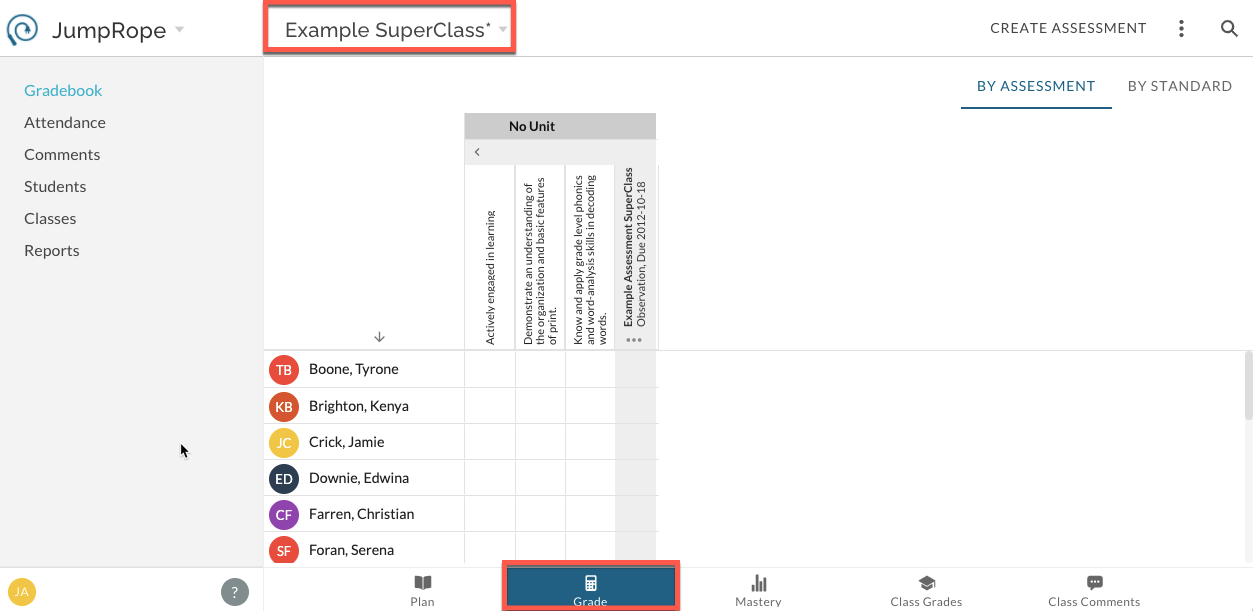
A teacher has the option to use their combined attendance rosters to create a SuperClass (rosters for attendance will be combined with or without the creation of a SuperClass). The teacher then views and works from this single class while in Plan and Grade but the scores entered for students are routed to their official class section on their individual mastery report. See here: Create a SuperClass
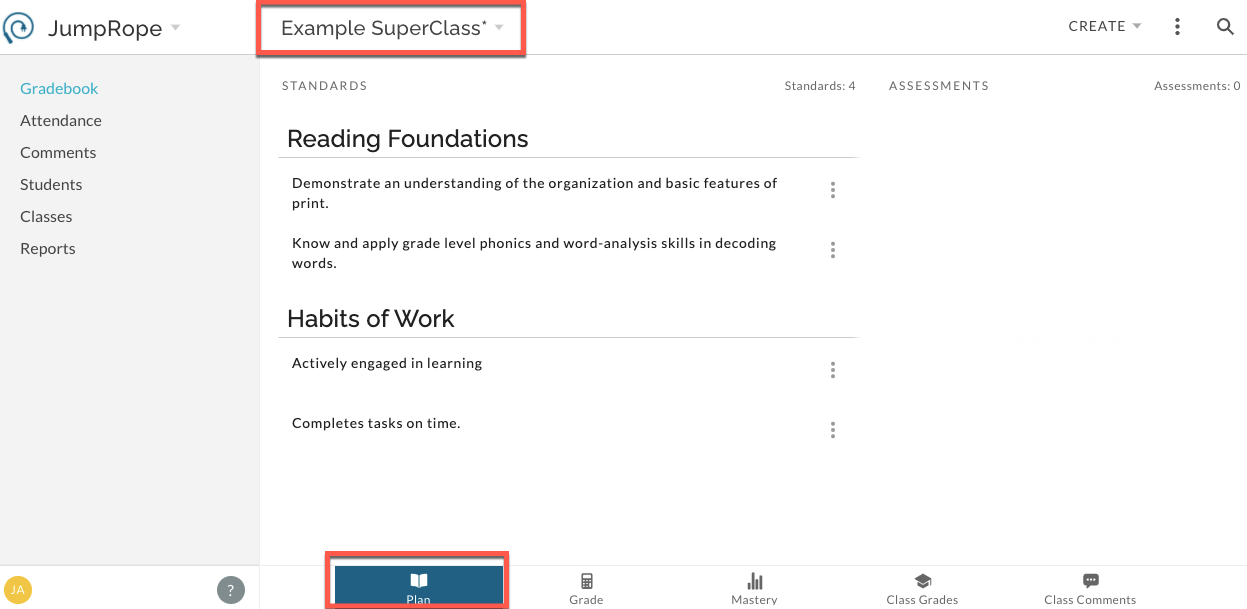
When a teacher opts to create a SuperClass, the underlying class sections are archived in their Gradebook. The new SuperClass is now a Class Card with all of the features of a regular class; Plan, Grade, Mastery Reports, etc. A teacher will view mastery reports based on this combined SuperClass roster, but on an individual student report the scores will be reported within the name of the actual class the student is officially rostered in.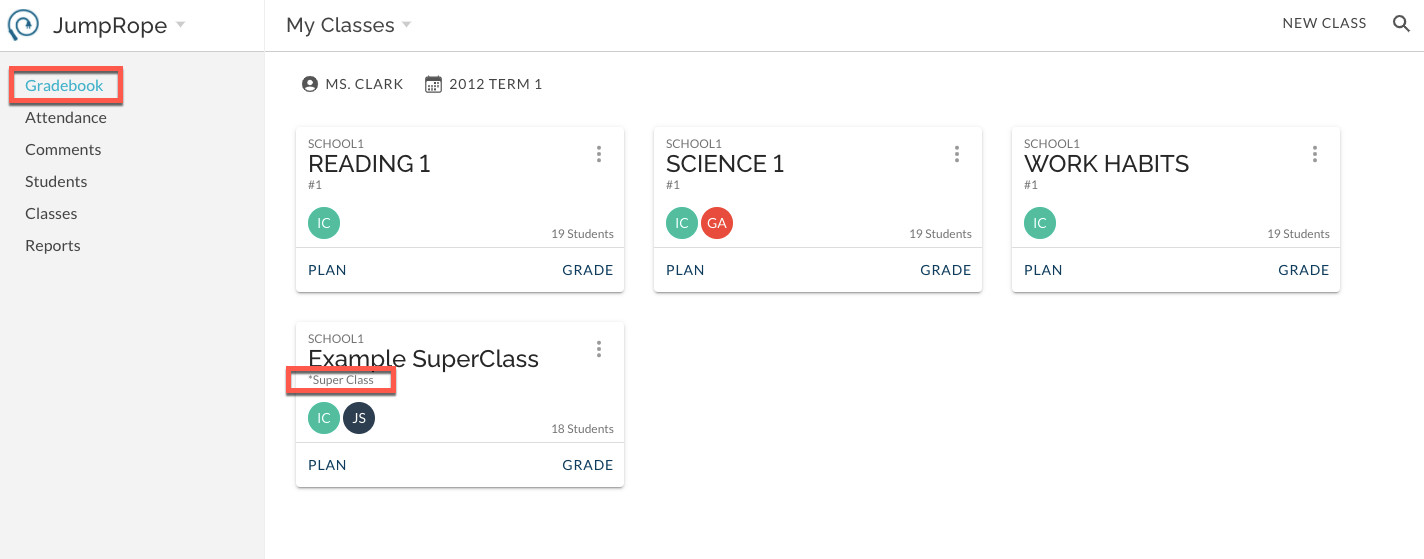
Important to Know Before you Create a SuperClass for Plan and Grade!
Creating a SuperClass archives the underlying class sections. This means that any Plan or Grade data you'vealready created within those underlying classes will be archived. Archived data is not removed from student mastery reports; it continues to be a part of what a student sees on their mastery report.
Archived classes are not active in a teachers' Plan or Grade. You will not see any archived data in your views for Classes, Plan, or Grade. This means that you will not be able to edit or view any of the scores you've already entered unless you un-archive the class. If you need to make changes to Plan (assessments, standards, etc) or Grade (scores that have been entered) please reach out to our support team for guidance on un-archiving. If you don't need to change the scores you've already entered, then there's no need to un-archive. See more here: SuperClasses FAQs