From the Progress Reports section of JumpRope an administrator can generate sets of Progress Reports in various configurations and quantities.
Selecting Progress Reports directs the user to a list of all previously generated sets of Progress Reports. From this page new reports can also be generated (see How To - Create Progress Reports and How To - Create Progress Reports for Printing and Email). 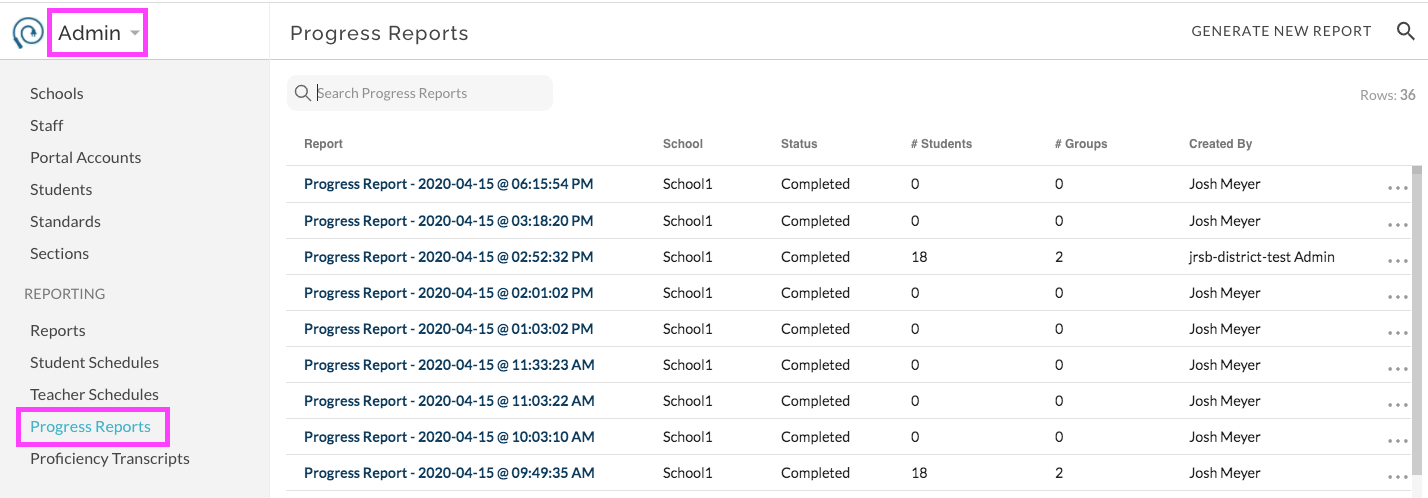
Users can navigate through the list of previously generated report items by using the search field along with filter and sort features found by clicking on column headers.
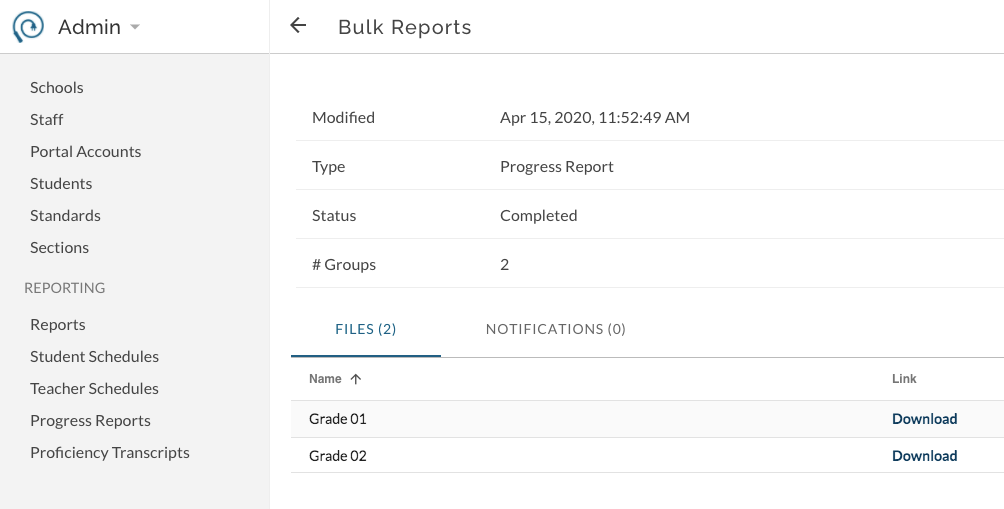
Clicking on a Report item name directs to details for the item. In the details for the item the individual files of reports can be downloaded.