The first step in working with Course Plans is to create the name and searchable elements, see here: How to - Create a new Course Plan and Course Plans - Overview
Manage content in an existing Course Plan
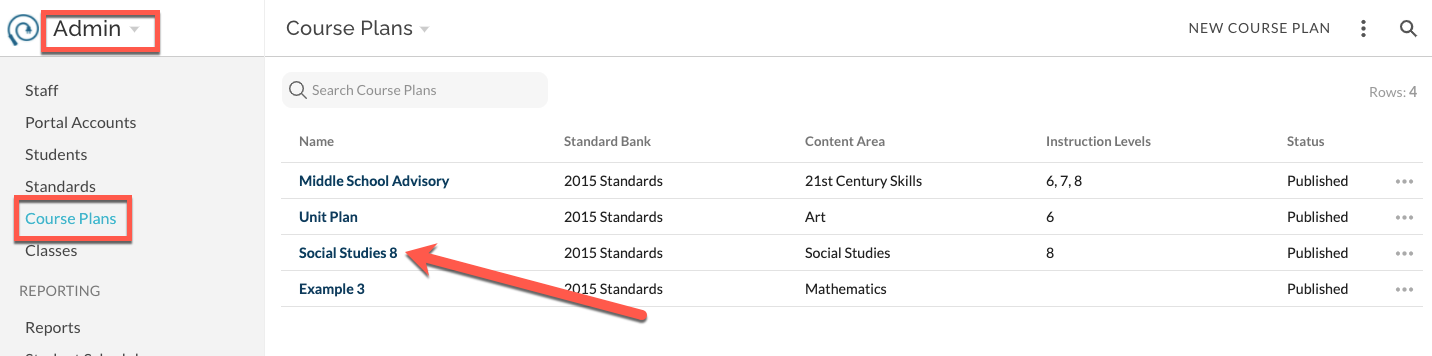
- Navigate to Admin -> Course Plans, click on the Name of the desired Course Plan
- A Plan view opens that is specific to the selected Course Plan
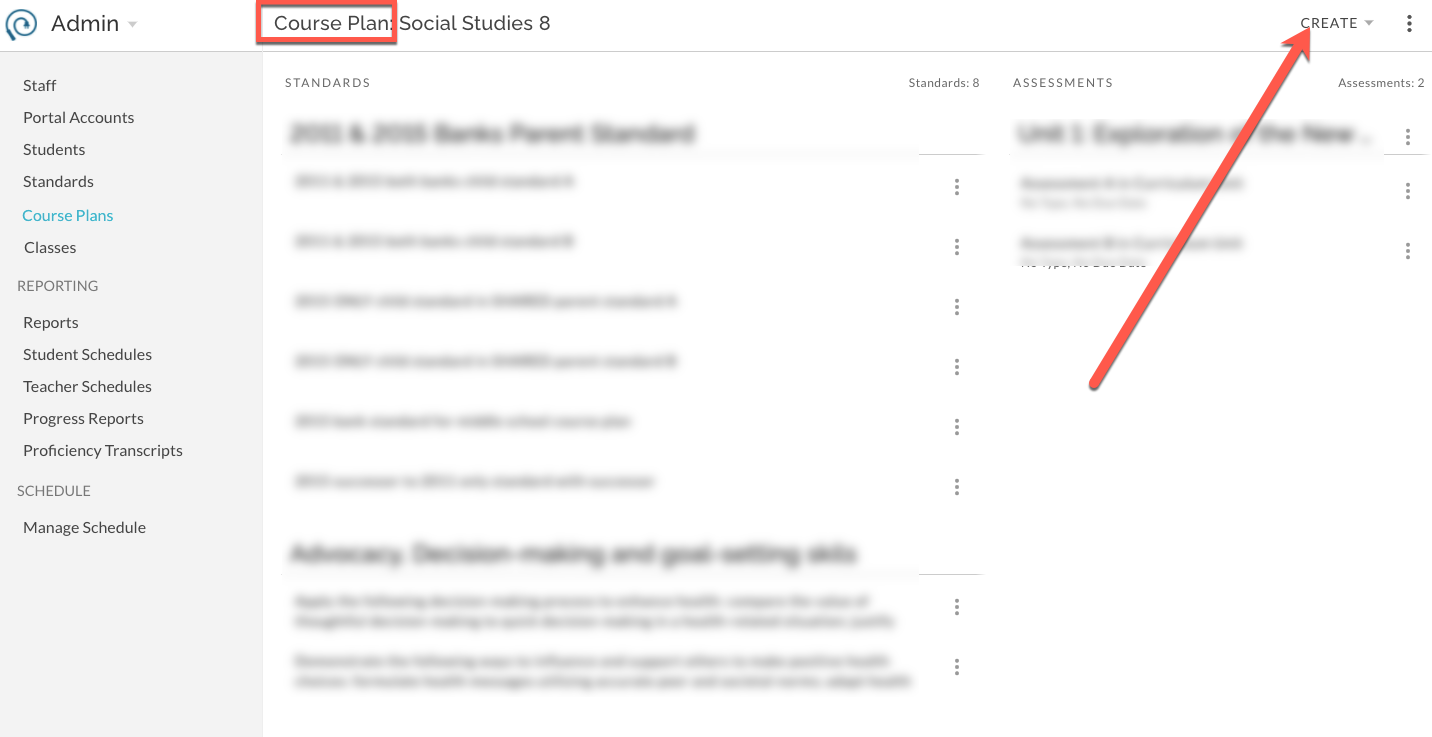
- Use Create menu to build the Course Plan in the same way that you would build for an individual Class. (How To - Add Standards to your Class via Create and How To - Create a New Assessment in PLAN)
- Use the Plan features to edit Assessments and/or Standards in the same way that you would for an individual Class. (How To - Edit Assessments)
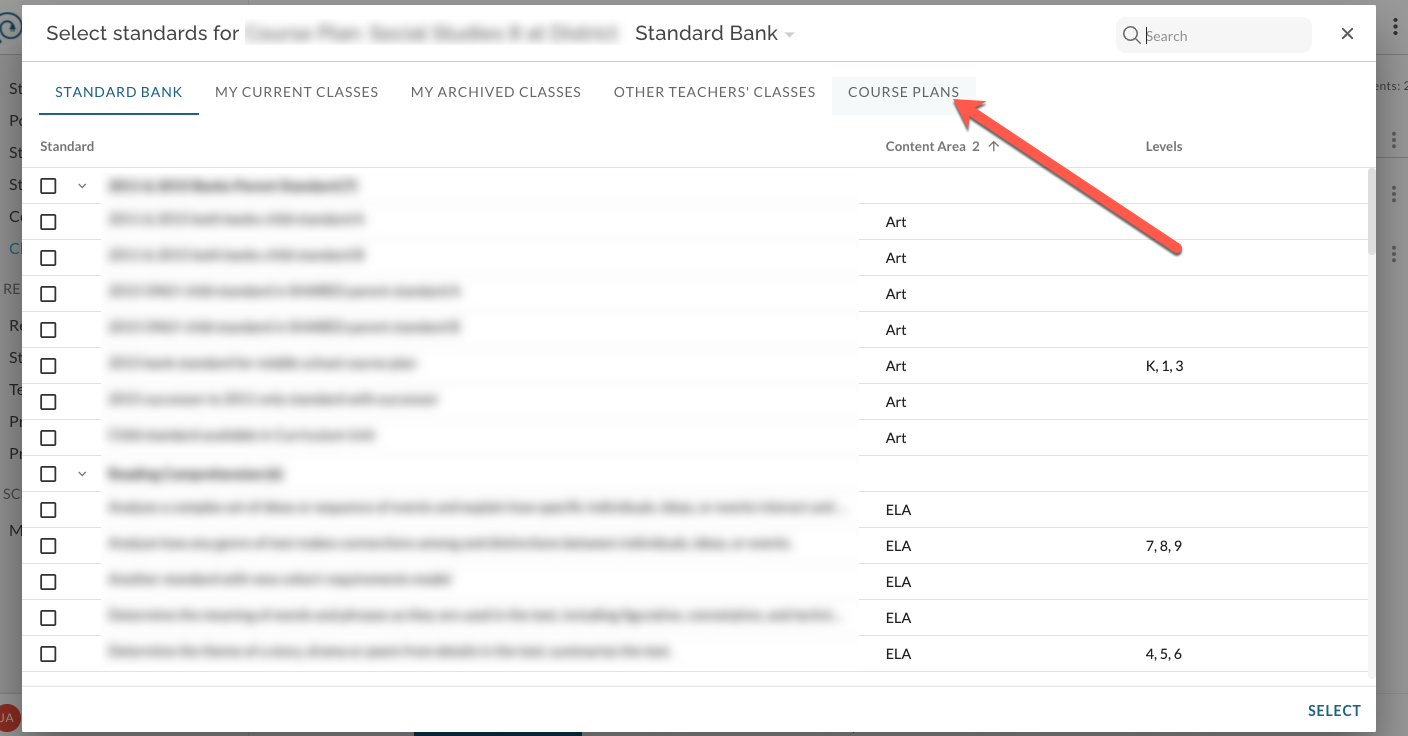
If the status of the Course Plan is "Published", the Course Plan will be immediately available to teachers via their individual Gradebook -> Plan -> Create -> Standards or Assessments from Bank -> Course Plans