

How to activate Google Integration scheduled processes in the new year database after selecting Keep Google Pointed to Current Year during New Year Rollover.
Directory Sync and Classroom Sync
1. Invalidate the credential in the prior year database
- Log into the prior year database
- On the Google Apps Integration page, Google Service Account Settings tab, change the Private Key File Name field to a value that doesn't match the actual file — the specific name doesn't matter, only that it no longer resolves to the real credential file

- Save
2. Reactivate the credential in the new year database
- Log into the new year database
- On the Google Apps Integration page, Google Service Account Settings tab, restore the original Private Key File Name value by removing "_DisabledDuringRollover"

- Save
3. Point the scheduled process to the new year database
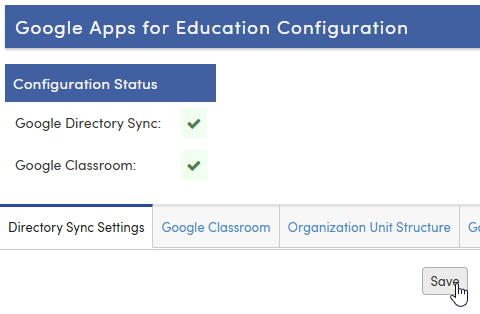
- While still connected to the new year database, re-save the Directory Sync Settings tab on the Google Apps Integration page
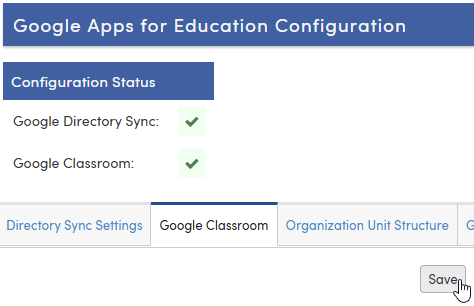
- While still connected to the new year database, re-save the Google Classroom tab on the same page
Staff Sync
1. Invalidate the credential in the prior year database
- Log into the prior year database
- On the Configure Google Staff page, Google Service Account Settings tab, change the Private Key File Name field to a value that doesn't match the actual file — the specific name doesn't matter, only that it no longer resolves to the real credential file

- Save
2. Reactivate the credential in the new year database
- Log into the new year database
- On the Configure Google Staff page, Google Service Account Settings tab, restore the original Private Key File Name value

- Save
3. Point the scheduled process to the new year database
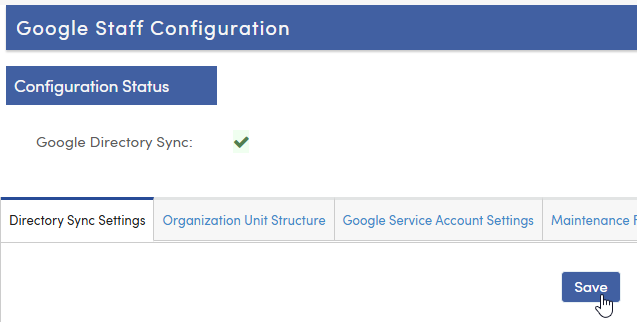
- While still connected to the new year database, re-save the Directory Sync Settings tab on the Google Staff Configuration page
NOTE: Keep Google Pointed to Current Year also keeps each scheduled process itself running against the prior year database. Re-saving the sync settings while connected to the new year database points that process to the new year. Skipping this step leaves the process running against the prior year even after the credential is fixed.