

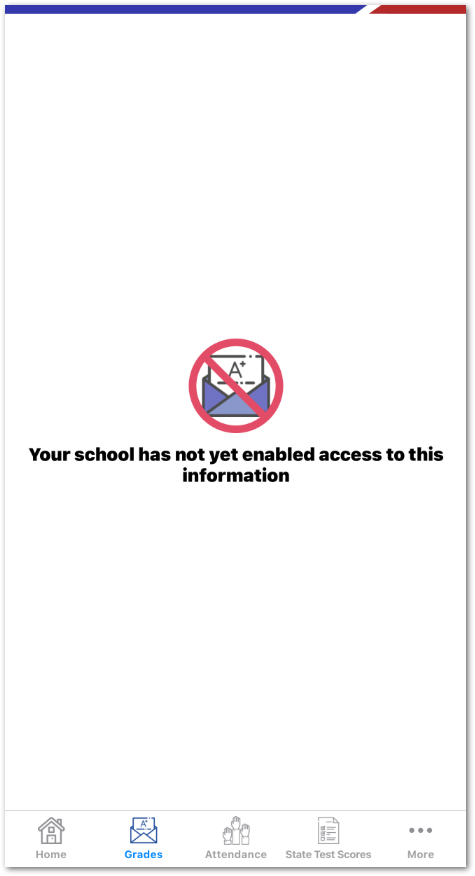
When navigating to the Grades page in the mobile or web app, an error message displays: Your school has not yet enabled access to this information.
Environment
- Secondary or Elementary school using MST
- Mobile app
Cause
The Portal Group does not have READ permission to the GBS (Student Gradebook Scores) table.
Resolution
Grant READ permission to the GBS table for all Portal Groups and schools that should access the Grades screen. Refer to Mobile App Security - Grades for detailed steps.
NOTE: Cache changes may take up to 30 minutes to take effect. Log out and back in to the app to verify permissions have been applied.