

Code Table Management - How to delete a Code
NOTE: Before modifying a code, confirm that it has not already been applied to any records.
The Code and Count section on the right side of the form displays each code along with the number of times it has been used, providing a quick reference for verification.
1. Navigate to Update Code Table page
2. Enter the Table and Field that houses the Code for deletion
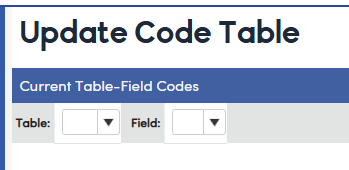
3. Locate the Code for deletion
4. Select the Trach Can icon to delete the code
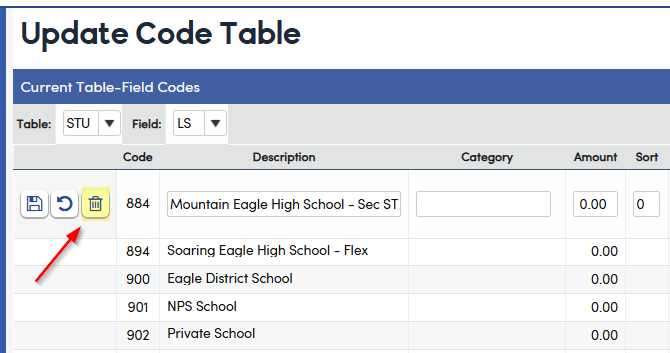
NOTE: If a Code has already been used in records, first confirm its validity. Decide whether it should remain, be moved, or cleared from the field. Then determine if the Code should still be deleted or instead inactivated.