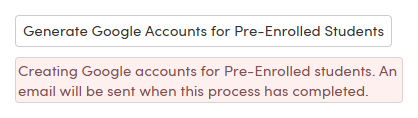
How to manually create Google accounts for pre-enrolled students. Pre-enrolled students are not included in the Google Integration scheduled processes, so their accounts are generated manually from the current school.
NOTE: Run this process while logged in at the specific school, not the district. It creates accounts only for pre-enrolled students at the currently selected school, and requires administrator access.
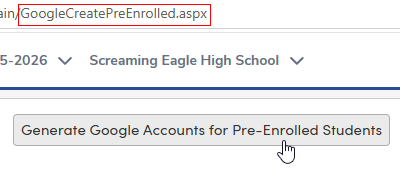
1. Add GoogleCreatePreEnrolled.aspx to the Aeries base URL
2. Click Generate Google Accounts for Pre-Enrolled Students
An email is sent when the process completes.