

Overview
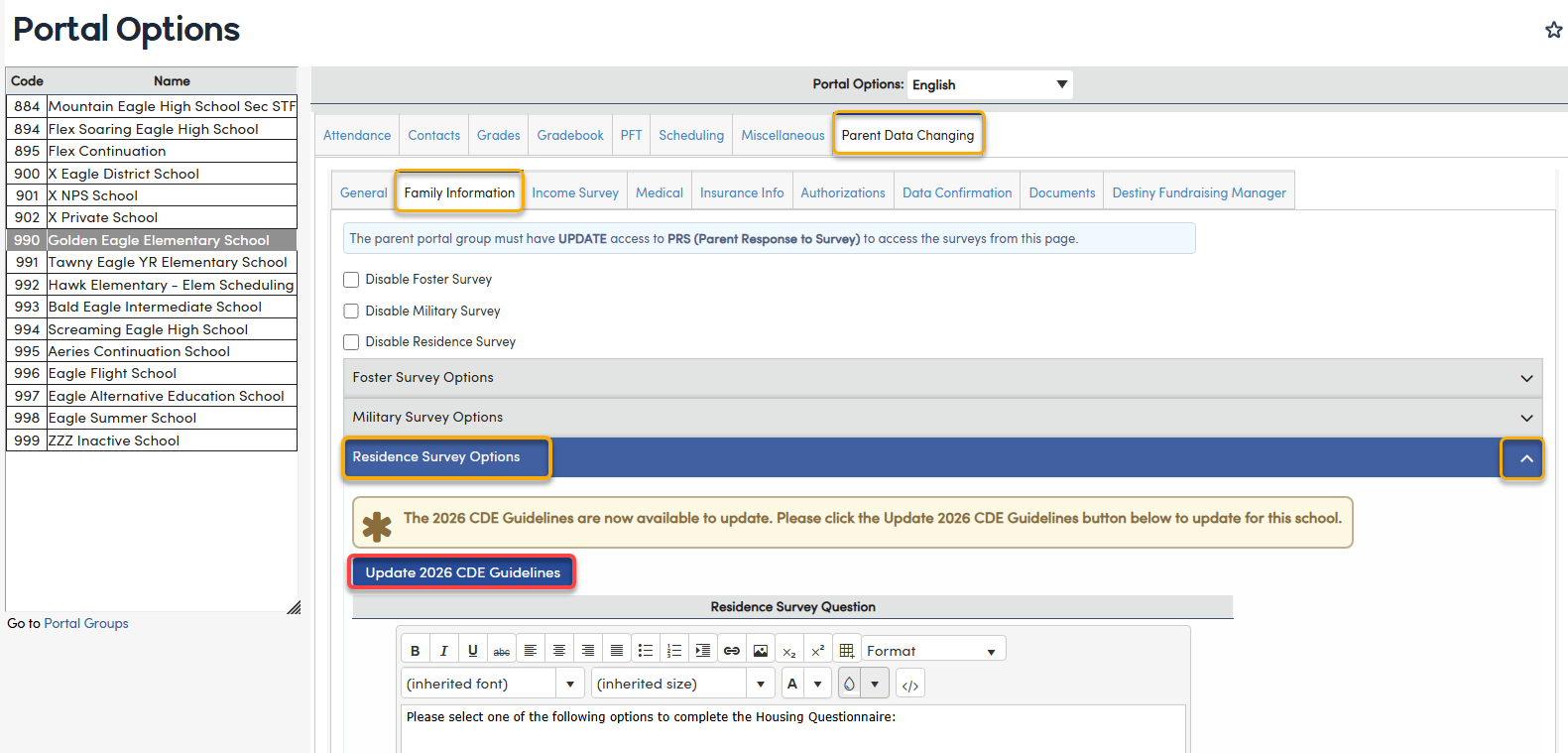
A new version of the Residence Survey has been updated using the 2026 CDE Guidelines. A new option will display on the Portal Options, Parent Data Changing, Family Information tab to update to the 2026 CDE Guidelines recently released in June 2026. Clicking on the Update 2026 CDE Guidelines button will update the Online Enrollment and Parent Data Confirmation to display the descriptions and information from the updated guidelines.
Portal Options ↑
If using Online Enrollment, only a single school's Portal Option must be updated in order to see the updated Residence Survey questionnaire. If using Parent Data Confirmation, each school's Portal Option must be updated for that school to view the updated Residence Survey questionnaire.
From the District, select a school in the list, select Parent Data Changing > Family Information and expand Residence Survey Options. If the guidelines have not yet been updated for the selected school, the button will appear under the blue header for Residence Survey Options. The button is available to administrators.
Select the button Update 2026 CDE Guidelines.
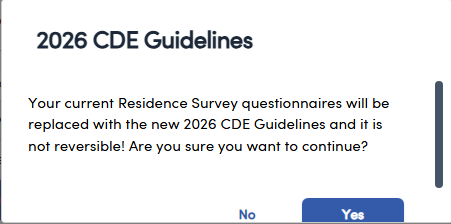
A confirmation message will display.
Once the new code titles and descriptions are converted, the settings must be saved by using the Save button at the bottom of the page.

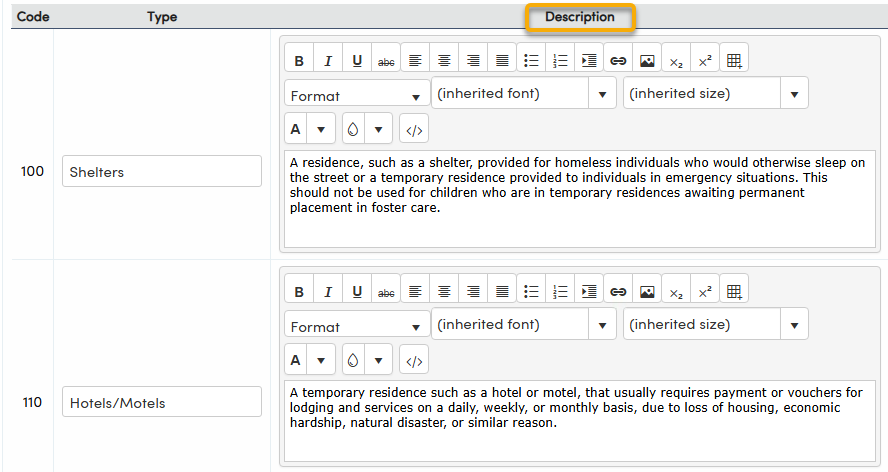
The default descriptions for each of the survey options can be customized but is not necessary since these titles and descriptions align with the CDE 2026 questionnaire.
The Residence Type and Description text can also be edited directly, for example to match the 2026 CDE wording (100 – Shelters, 110 – Hotels/Motels, 120 – Doubled-up, 130 – Unsheltered), and then saved using the Save button at the bottom of the page.
NOTE: As of the 6/15/2023 update, the "None of the Above" option has been removed based on California Department of Education (CDE) feedback.
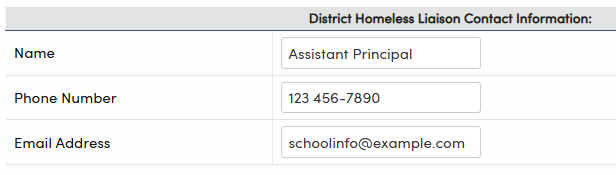
The Homeless Liaison contact information are district fields. Information populated at one school will be viewed by all schools. Multiple names and email addresses can be added for the Homeless Liaison Contact Information.
NOTE: If using Online Enrollment, only a single school's Portal Options must be updated in order to see the updated Residence Survey questionnaire. If using Parent Data Confirmation, each school's Portal Option must be updated for that school to view the updated Residence Survey questionnaire.
Parent Data Confirmation ↑
After the conversion, the Online Enrollment and Parent Data Confirmation will display the verbiage from the 2026 CDE Housing Questionnaire.
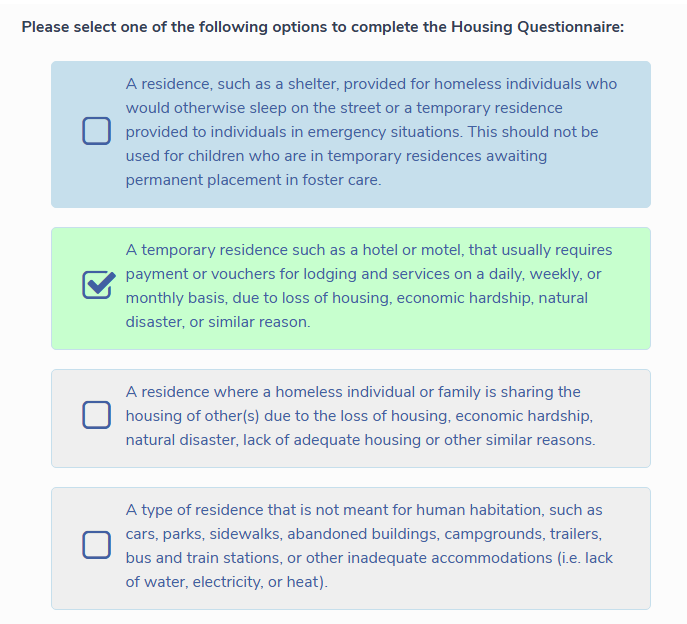
When one of the housing options is selected, additional sections display to the Parent/Guardian. These additional answers help determine if the child(ren) qualifies for additional educational services through Title I, Part A and/or the federal McKinney-Vento Assistance Act.
- Unaccompanied Youth - Selecting this option will allow the Special Programs record to update the Unaccompanied Youth (PGM.UY) field when confirming the record in the Residence Survey Audit process.
- Children's' Rights - Text for the rights for the children from the CDE Housing Questionnaire will display.
- Additional Children - Parent's can enter additional children. The data is stored in the Parent Response Details (PRD) table and can be viewed on the Residence Survey Audit page. Additional children with the same address and with the same Parent Portal Account (PWS.AID) number will display and be saved in the Parent Response Details (PRD) table.

Documentation ↑
Online Enrollment documentation: https://support.aeries.com/a/solutions/articles/14000082170#residence
Parent Data Confirmation documentation: https://support.aeries.com/support/solutions/articles/14000071659-parent-data-confirmation-setup