Navigate to Student Data > Programs > Language Assessment > Waivers tab
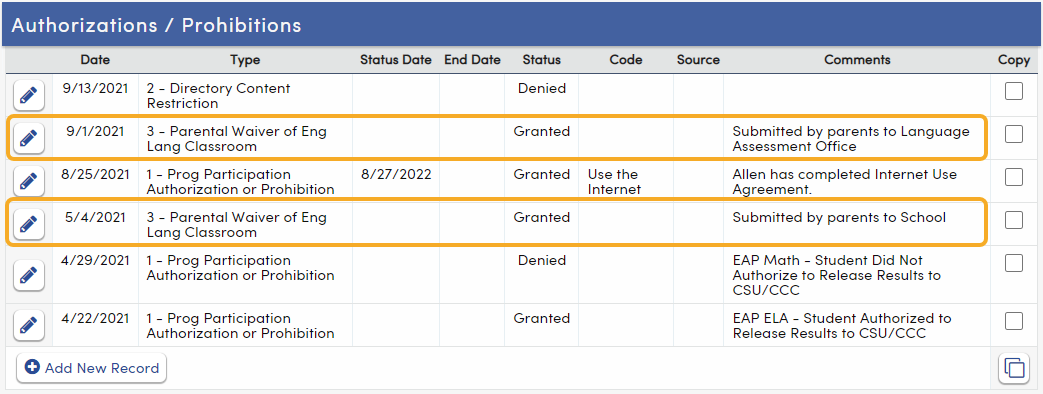
The Waivers tab filters the records from the Authorizations (AUT) page and displays records flagged in the Type field with code 3. This code is on the Authorizations page for Parental Waiver of English Language Classroom.
The tab displays the Request Date, Status Date, Status, and Comment for each waiver, and a Copy column to copy a waiver record to another student. Records added or changed on this tab are always saved with Type 3.
Access to the tab is controlled by the Language Assessment - Waivers (LAW) security area (under Programs > English Learner on the Security page): Read to view waivers, and Insert, Update, and Delete to add, change, and delete them.