
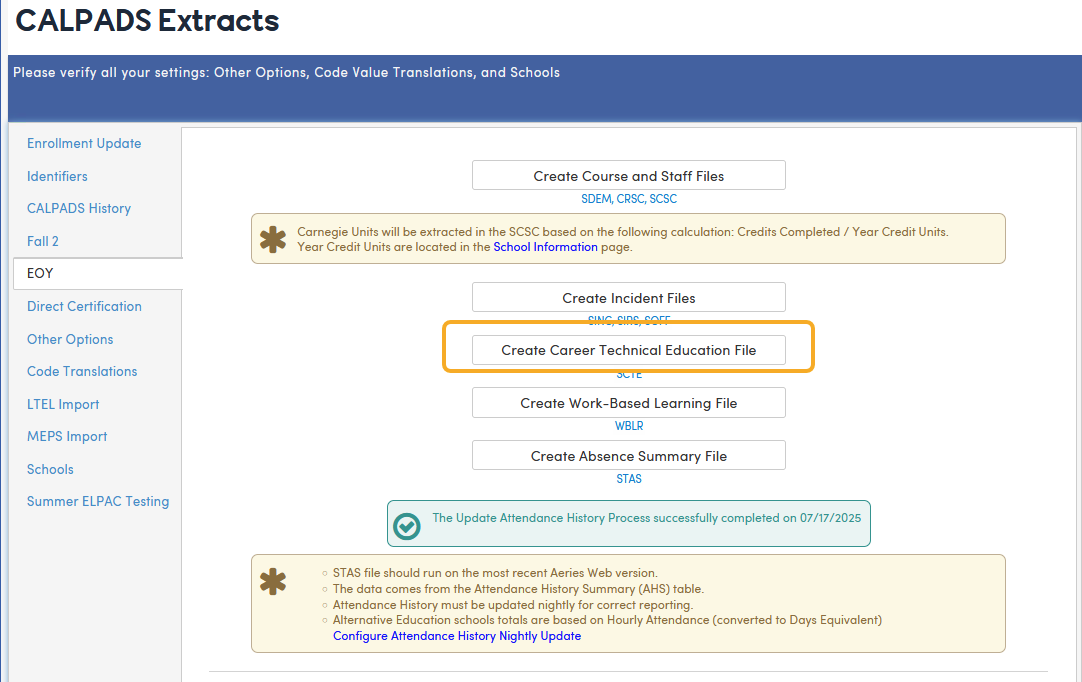
The Student Career Technical Education (SCTE) file is reported to CALPADS during the End of Year (EOY) reporting period. To create it, go to School Info > Imports and Exports > CALPADS Extracts, select the EOY tab and click Create Career Technical Education File (SCTE). This requires Administer permission to State Reporting and is available only for California districts. The file pulls data from the Career Pathways (CPW) and Career Pathway History (CPH) tables.
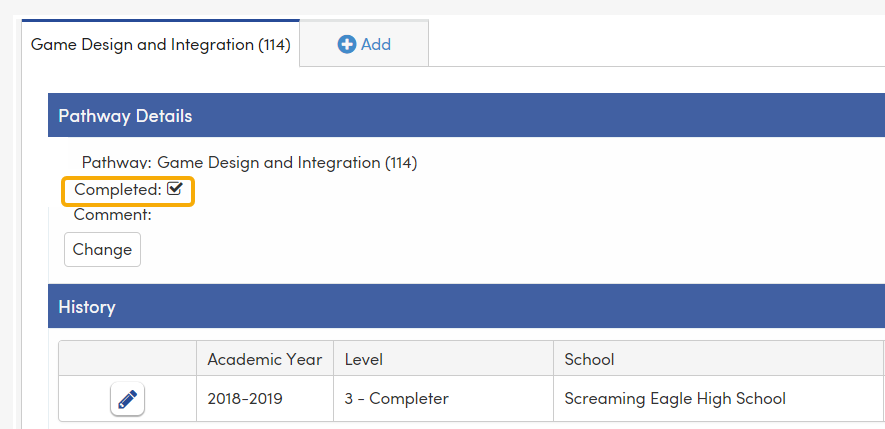
Only students who have a Career Pathway History (CPH) record for the current academic year, at their current school, linked to a Career Pathway (CPW) record for the same pathway, are included. Only History records whose Level (CPH.LVL) is 3 (shown as 3 - Participants (Completer)) are extracted. Level 3 records can be added on the student’s Career Pathways page or in bulk with Mark As Participants (Completer) on the Career Pathways Management page.
If the Completed checkbox (CPW.CM) in Pathway Details on the student’s Career Pathways page is selected, the SCTE record will populate field 11.14 - CTE Pathway Completion Academic Year ID.
Below is an example of how a Completer will pull into the SCTE extract.