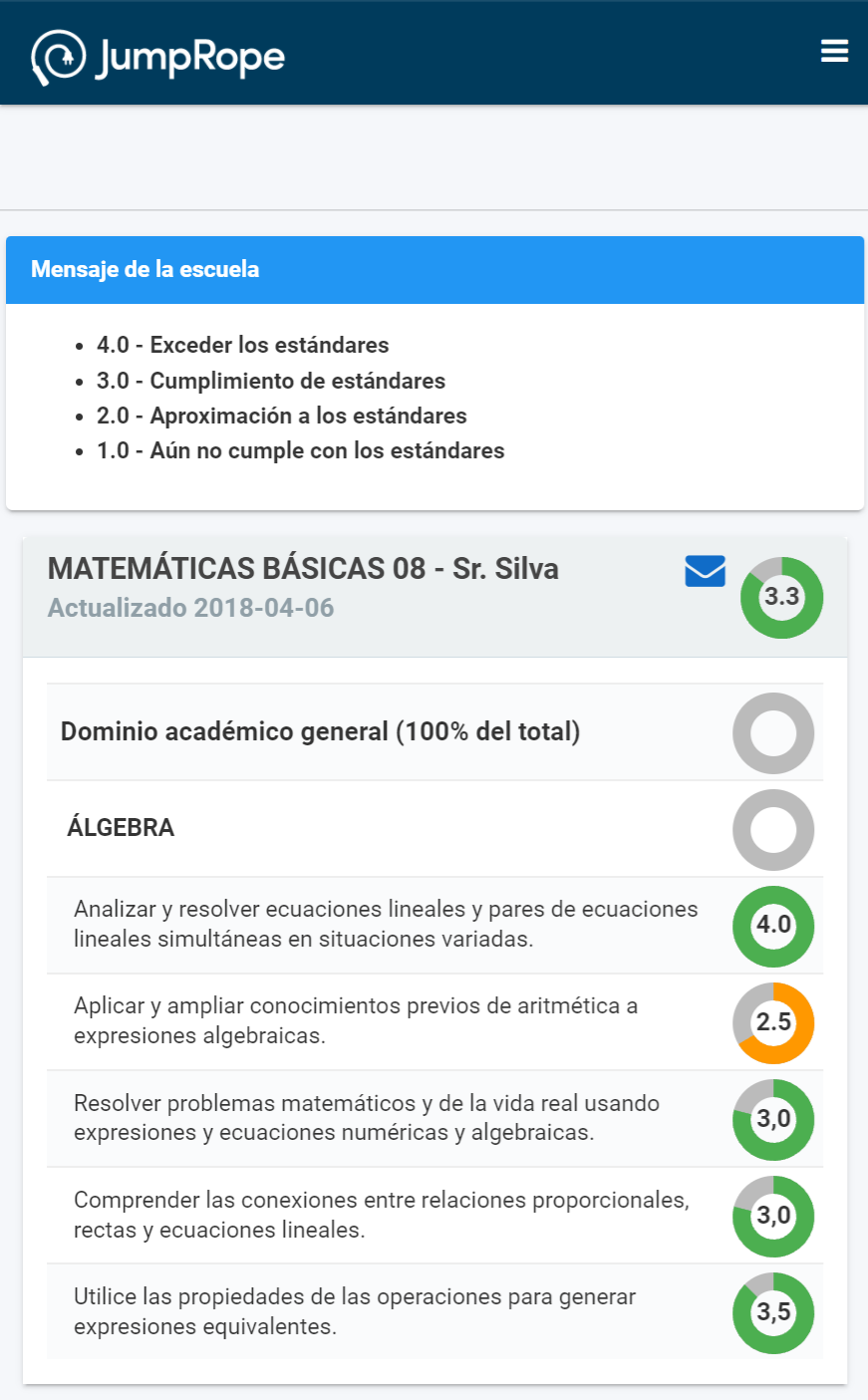
While JumpRope does not offer the Family Portal interface in multiple languages, we've worked to make the website compatible with existing browser-based translation tools. As such, any user of Google Chrome (desktop or mobile) can easily translate the entire interface into any language supported by Google Translate. To do so, they simply need to be using a device with a preferred language other than English and used the translation prompts as shown below (the example translates the portal into Spanish).
Often users will typically have their device (and Chrome) configured for their preferred language. For more details about how to enable translations in Chrome, view this page.
Using Chrome to translate from English(Chrome will automatically offer translation if English isn't the default language):
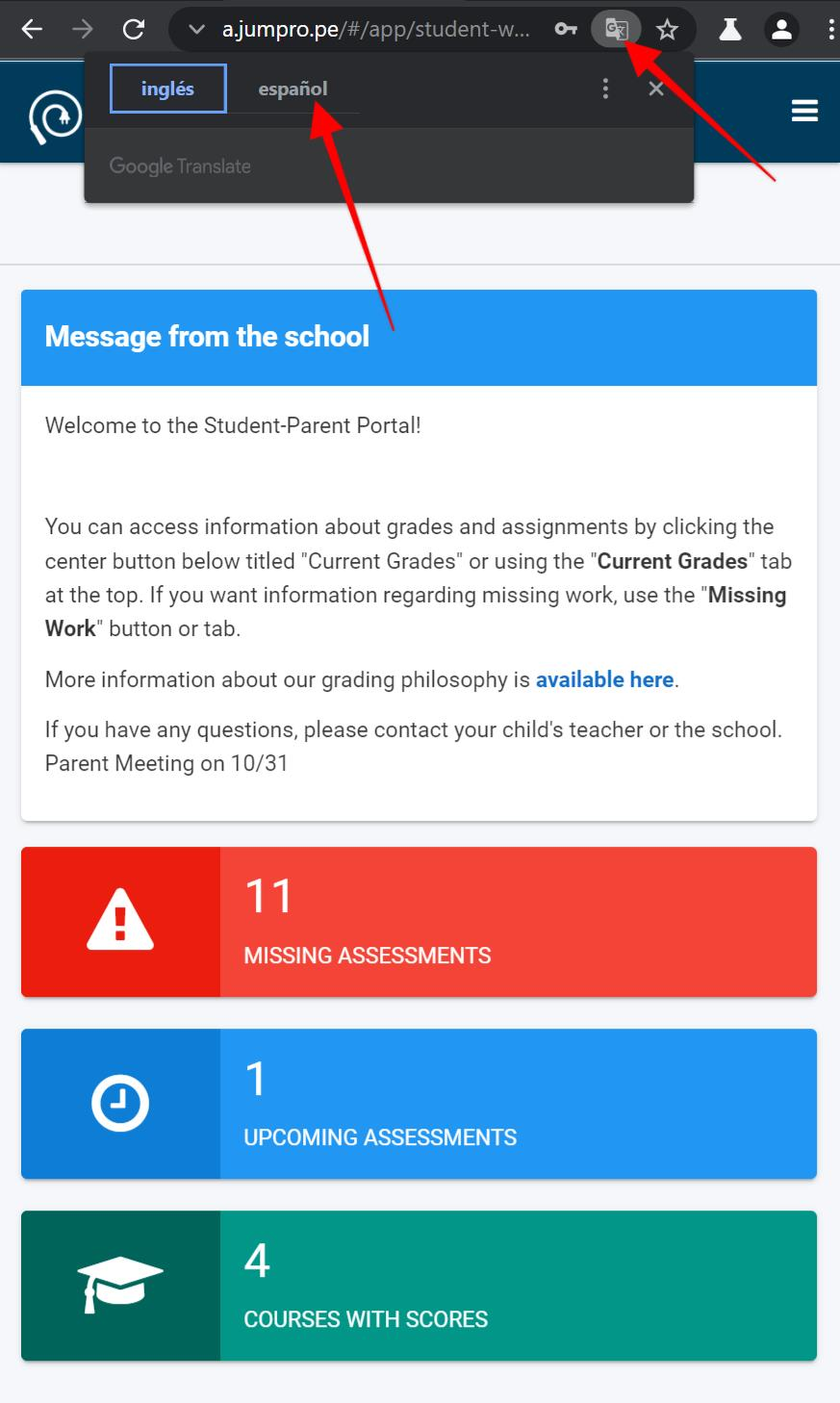
An example translated into Spanish: