

Family Portal Overview | Manage Portal Accounts
The attendance page on the Family Portal includes a number of options depending on how you would like to represent attendance to your school community.
Enable Attendance Page : turn on or off the entire attendance page.
Show Attendance Grid : show the day-by-day, period-by-period attendance grid.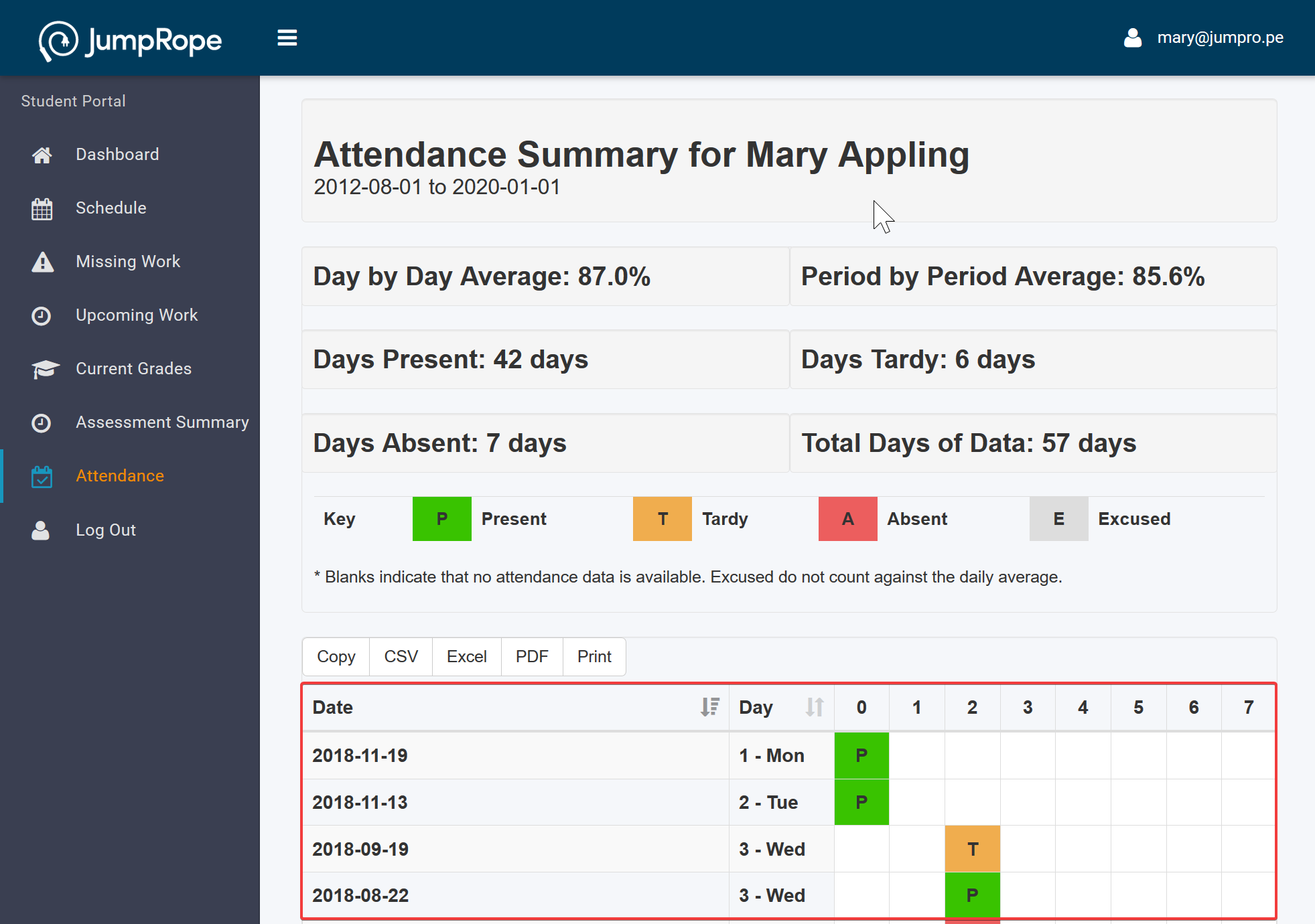
Show Day by Day Average : shows an overall percentage value for the number of days the student was marked tardy or present at least once divided by the number of days of attendance records that exist within the portal grading period.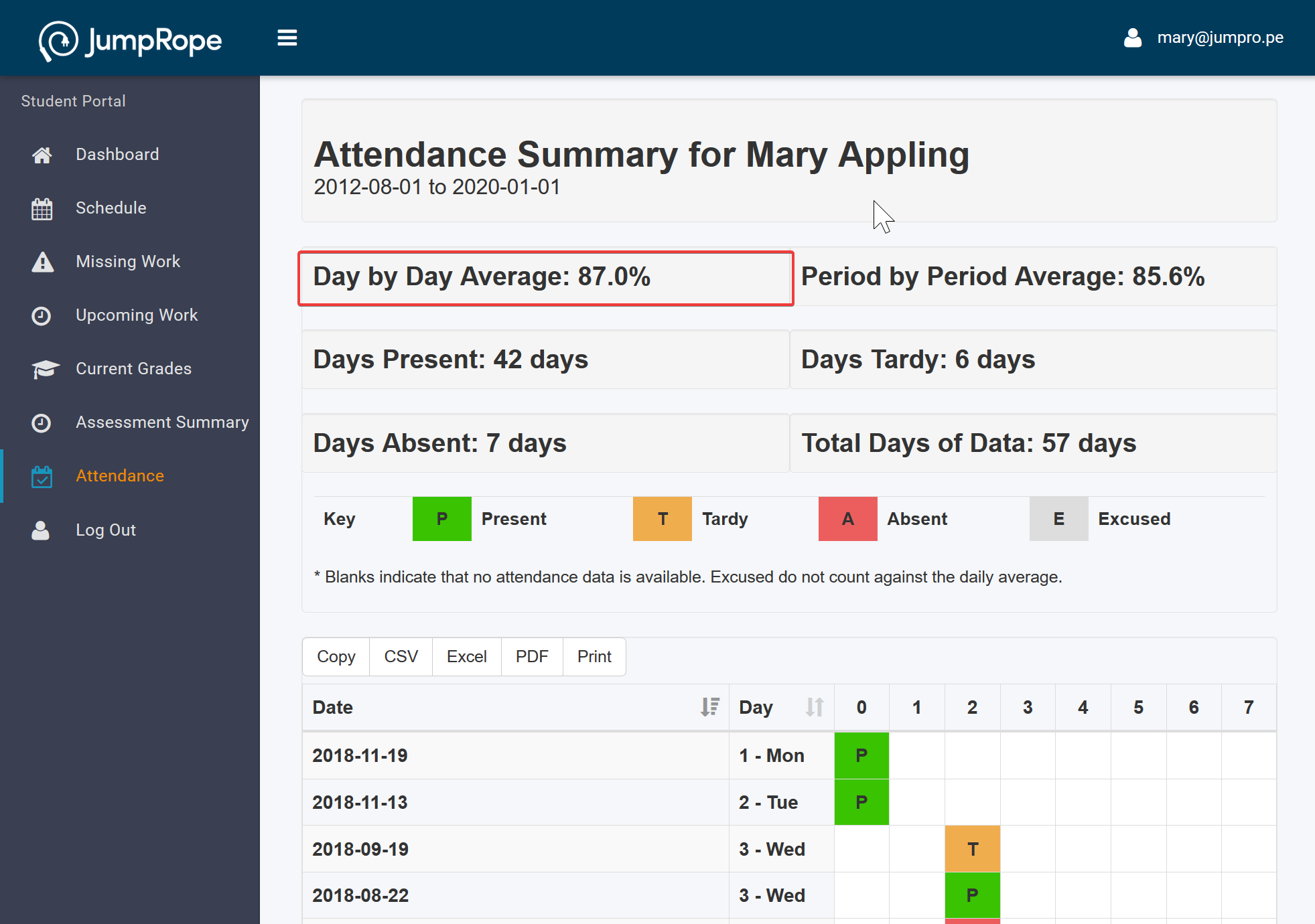
Show Period by Period Average : shows an overall average of attendance values by class period where present = 100, tardy = 75, absent = 0, and excused records are not included.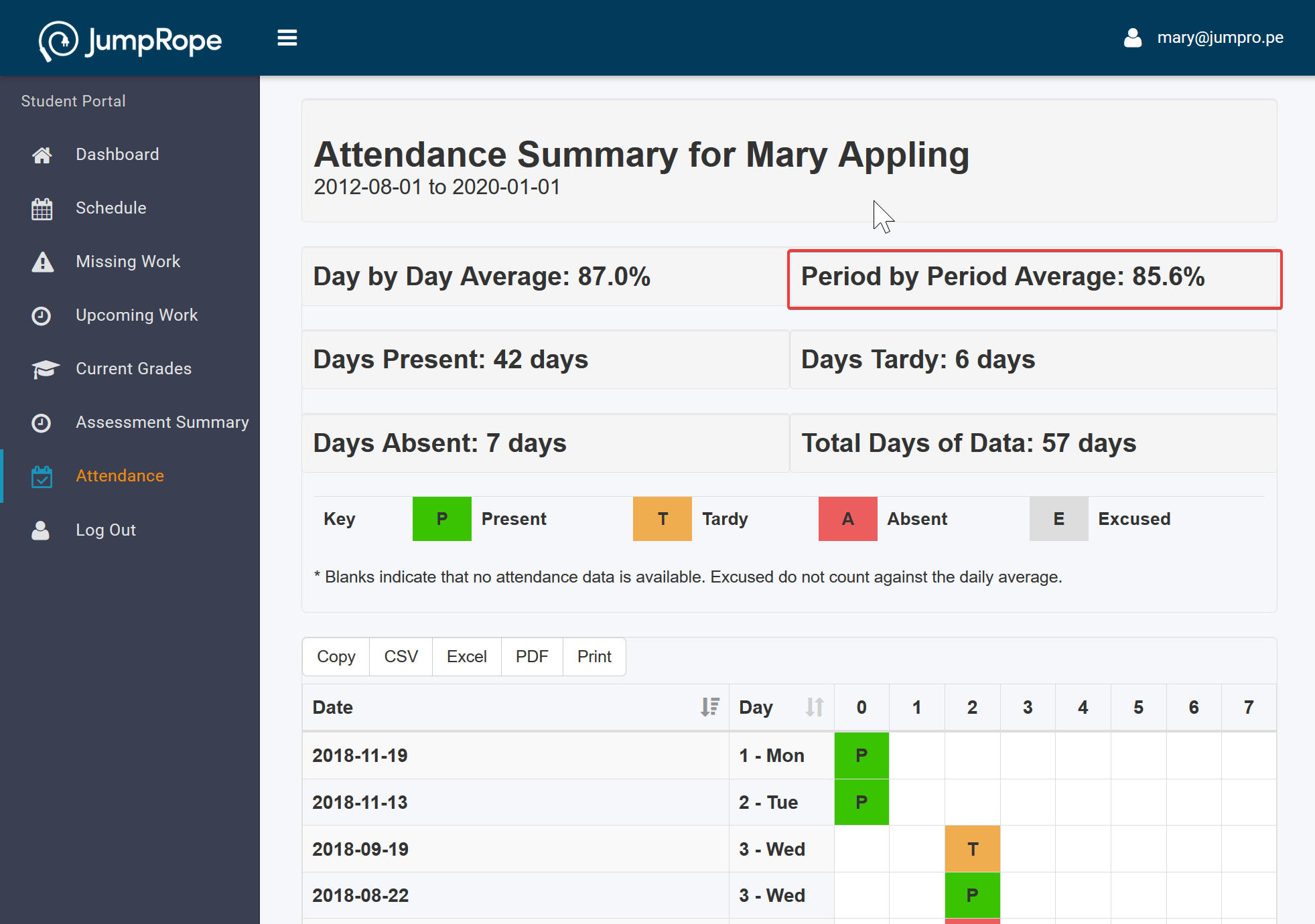
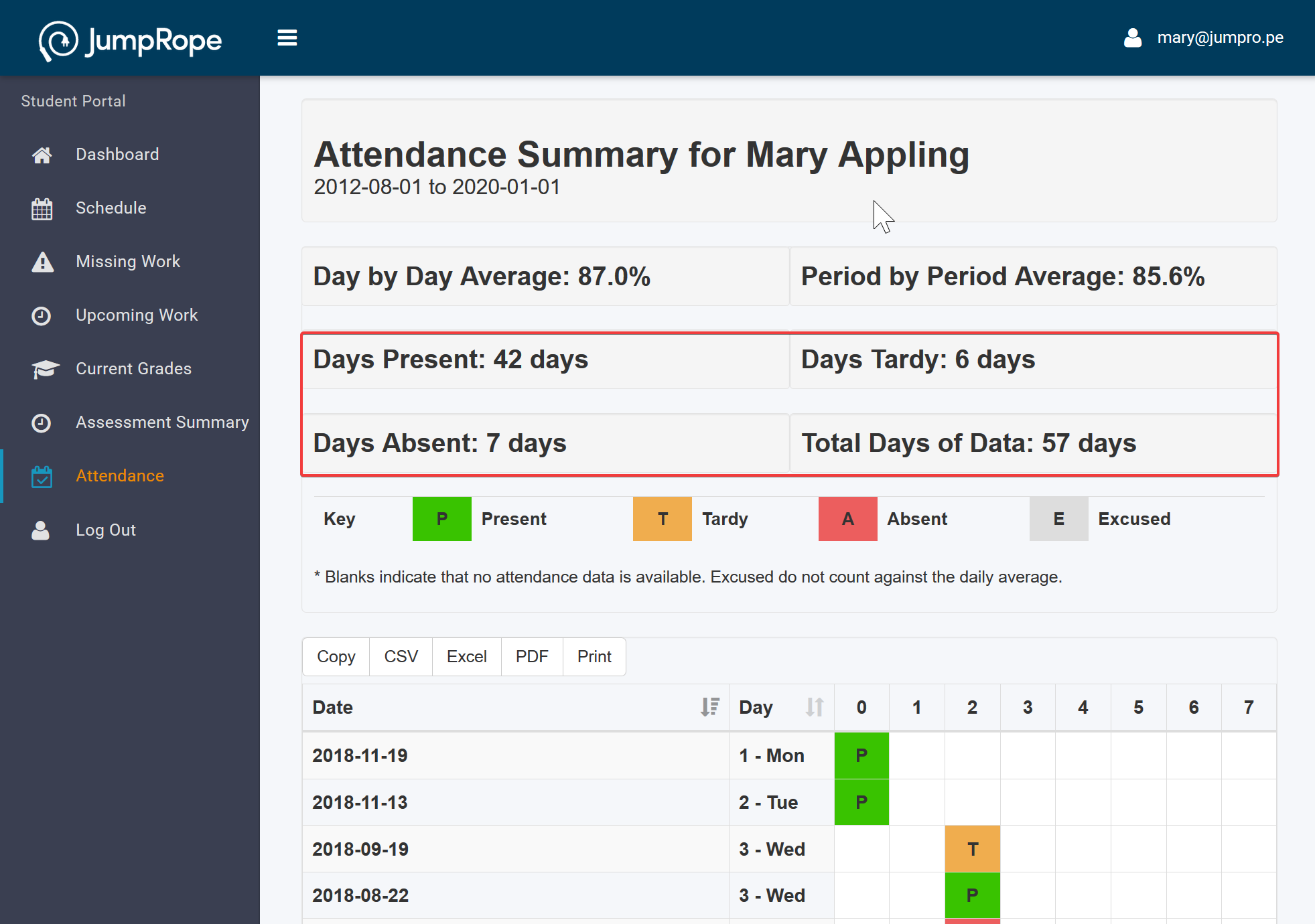
Show Count of Days Present / Tardy / Absent : shows overall count of days within the portal grading period:
- Days Present: the number of days a student had at least one attendance value of Present and no attendance records of tardy, absent, or excused.
- Days Tardy: the number of days where at least one period was marked present or tardy, but not all records are present.
- Days Absent: the number of days where the the student was marked absent at least once, and never marked tardy or present.
- Total Days of Data: the number of days for which at least one attendance record exists
See Also:
Setup: Family Portal - General
Setup: Family Portal - Features
Setup: Family Portal - Messaging