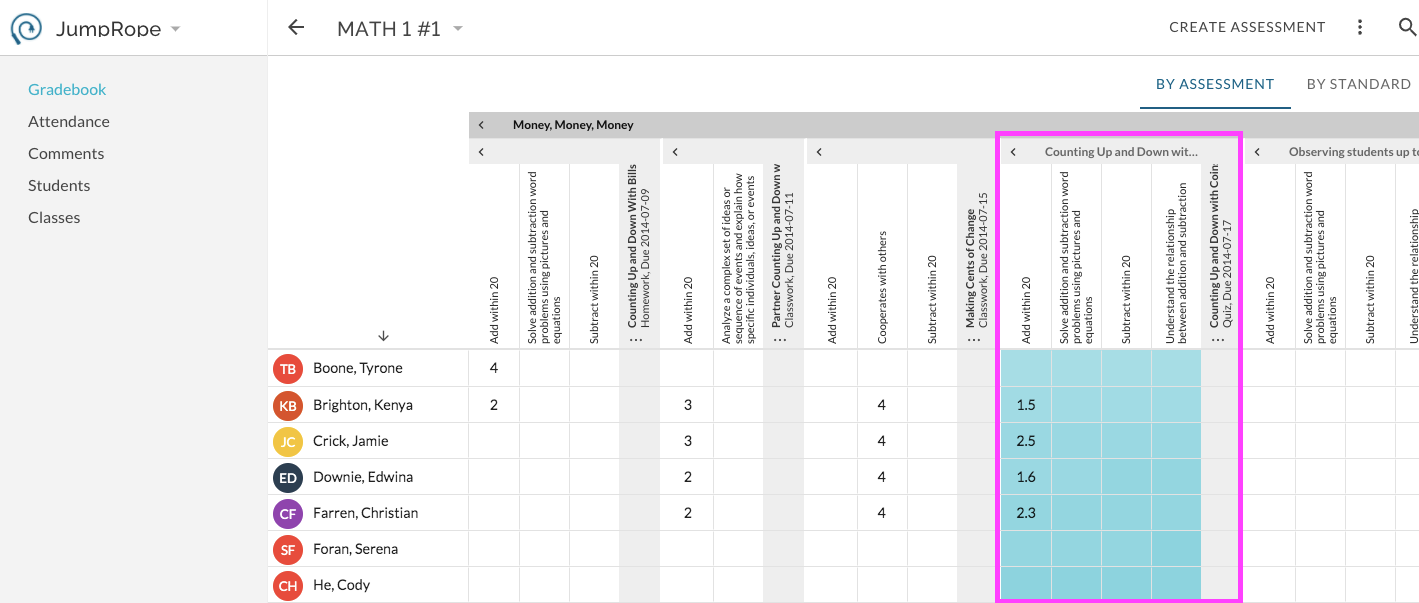
In Plan, click on an existing assessment. The assessment card will highlight and show options to EDIT and GRADE.
With the assessment selected, the list of child standards will filter to display only those that are currently aligned to the given assessment. 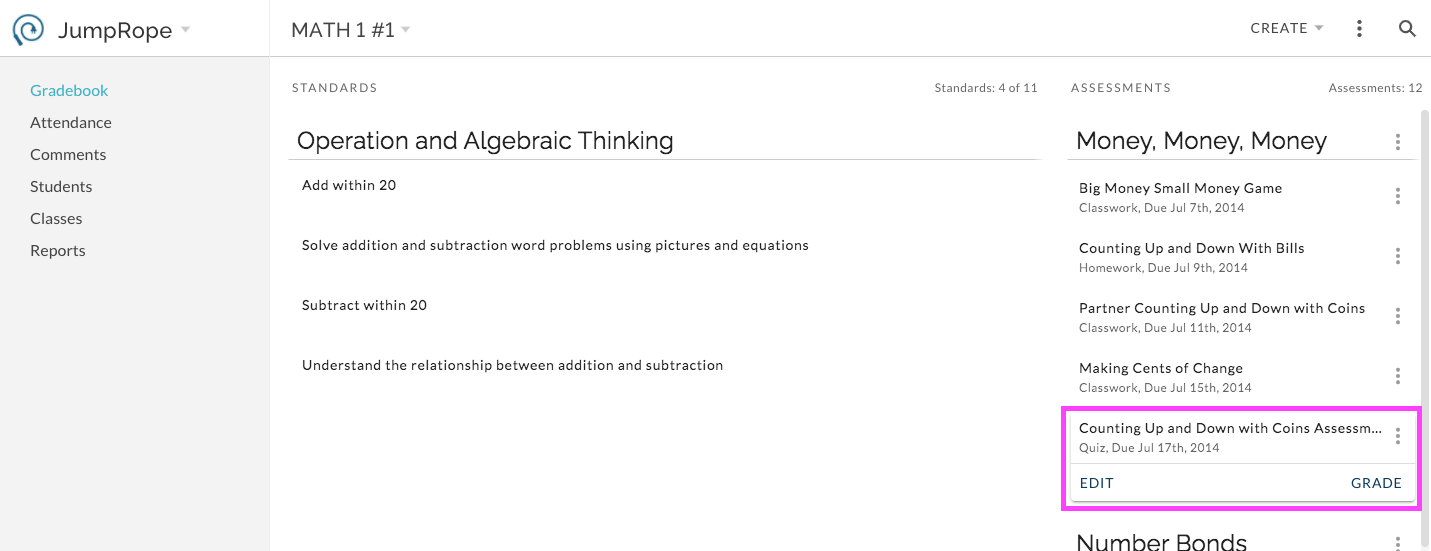
Click on GRADE to navigate to the gradesheet for score entry. The gradesheet will open directly to the selected assessment. Enter scores as needed.