

Oftentimes, an administrative user creates content for teachers to use in their JumpRope gradebooks. In JumpRope Legacy, this was achieved when the administrator created a unit within their own Plan tab. JumpRope 2.0 has a very similar workflow.
Here's how to create content for others to use even if you don't have classes assigned in your account:
- From your account in the JumpRope module, select New Class while on the Gradebook page.
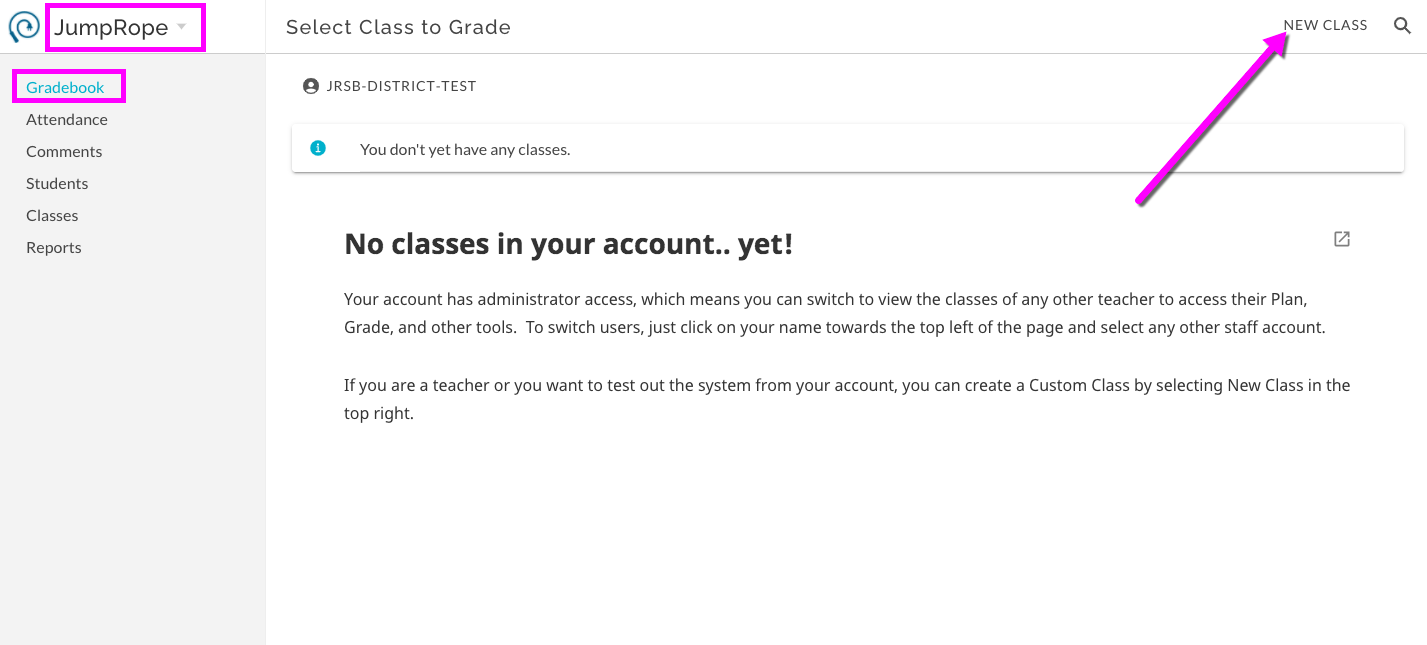
- Create a Custom Course. The course does not need to have any students enrolled for this purpose; it will be a course created to maintain the content you are going to create. Consider giving the course a name that will be easy for your teachers to identify. Make sure to allow others to view and copy the content of this course.
- Access Plan for the new custom course and create content. See here for more.
- Teachers will now be able to view and copy the content you've created for this course. They'll access it from the Other Teachers' Classes resource as described here.