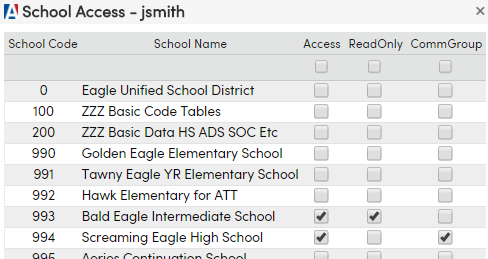
How to add School Access for a User and set it to read only
1. Navigate to Security > Users
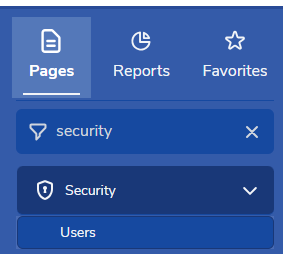 2. Search for the applicable User Record
- If the record exists, open it
- If not, create a new user record and save
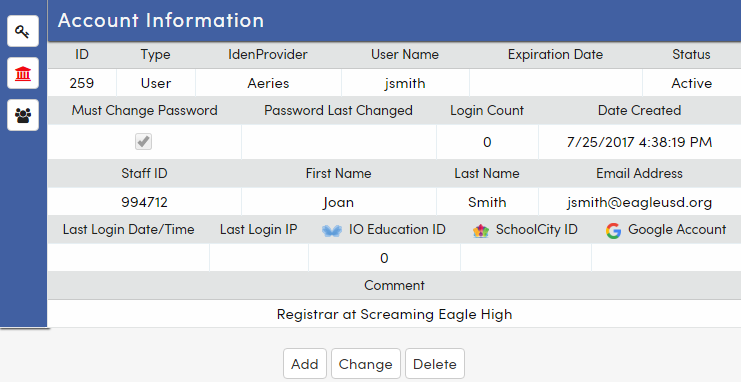
3. Assign School Access
- Click the building icon and the list of schools will display

- Select the Access column for the schools the user is granted access
- Select the ReadOnly column for schools where the permissions should be read only
- Save changes