

Customers will need to submit a ticket to Aeries Support to have the LDAP Settings updated in Aeries. This process will require assistance from the TSE team.
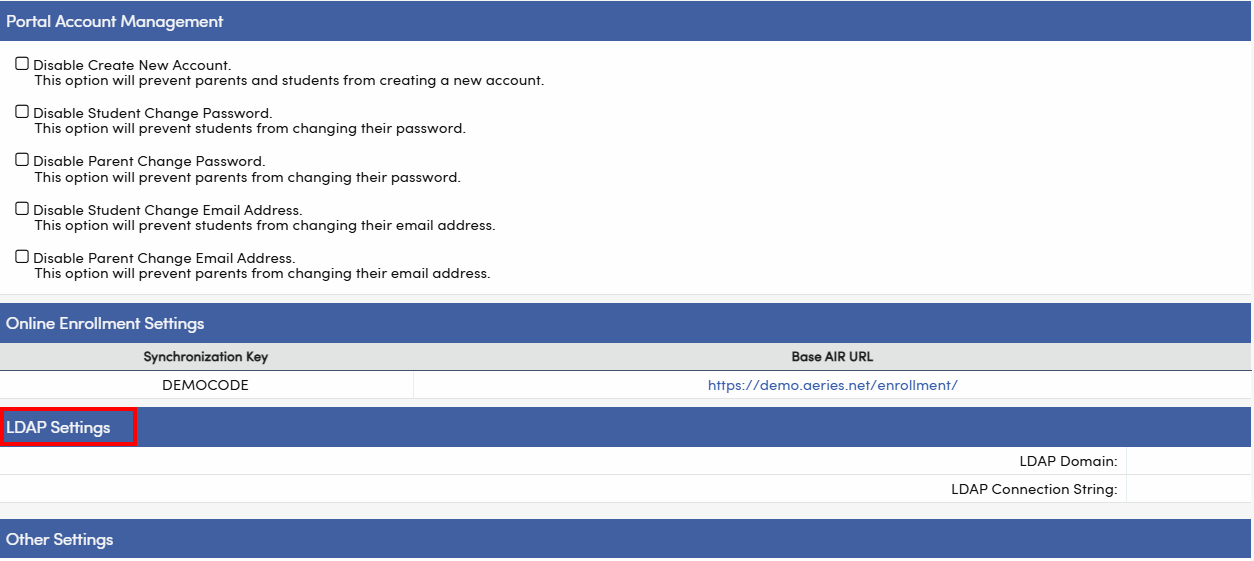
- These changes must be made during Aeries business hours.
- The updates cannot be scheduled outside of business hours.
- Customers will need to plan for database downtime with staff members.
Procedure:
- Submit a ticket to Aeries Support requesting the LDAP Settings update.
- Coordinate with the TSE team to schedule the update during business hours.
- Plan for necessary downtime of the database with staff members.