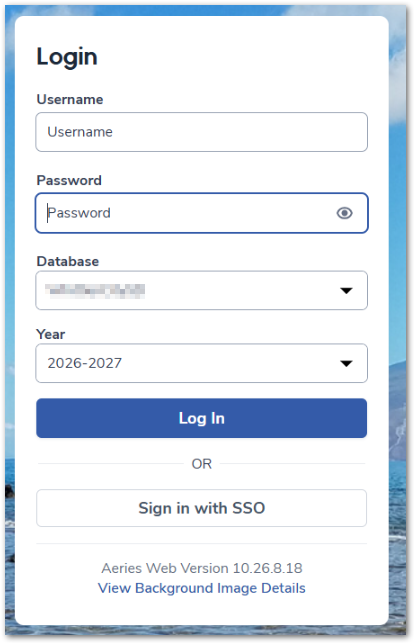
When a district has Google as the Identity Provider configured, the login screen displays only the *Login with Google SSO* button. The regular Aeries login screen is not immediately visible.
Environment
- Google Identity Provider configured for the district
Cause
When Google is configured as the district Identity Provider, the login screen defaults to displaying only the *Login with Google SSO* button.
Resolution
1. Select Cancel on the Google SSO login button
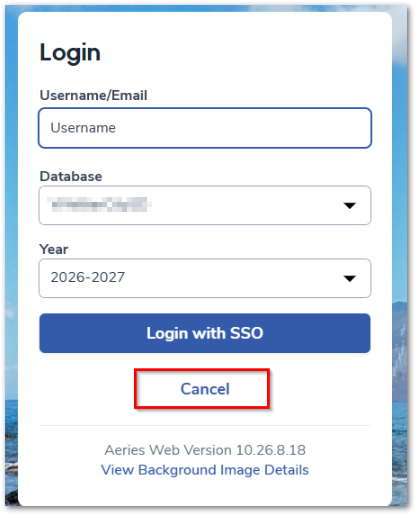
- Redirects to the regular Aeries login screen